

How to Reclaim 20 Hours a Month Without Hiring Another Person or Cutting Services
Service business owners trapped in operational chaos lose 20+ hours monthly to repetitive tasks that could be automated this week. By systematically identifying time-wasting workflows, automating client communication, streamlining job scheduling, eliminating manual data entry, and creating self-service options, you can reclaim your calendar without adding headcount or reducing service quality.
The operational trap feels impossible to escape. Revenue climbs, demand stays strong, but you’re still the first call when something breaks. You can’t take a Friday off. New hires take months to train, and even then, they execute inconsistently. Critical processes live on whiteboards, personal phones, or inside one key employee’s head.
This isn’t a staffing problem or a motivation problem. It’s a systems problem—and the solution doesn’t require massive investment or months of implementation. At Be Known in Knoxville, TN, we help service businesses build acquisition systems that generate consistent demand. But demand means nothing if your operations can’t handle it profitably. The businesses we work with on paid acquisition for coaches and consultants often discover their real constraint isn’t lead flow—it’s the operational chaos absorbing every available hour.
What follows is a tactical roadmap to reclaim 20 hours this month by automating five critical areas. No theoretical frameworks. No generic advice. Just specific workflows you can fix this week.
Identify Your Time-Sucking Tasks
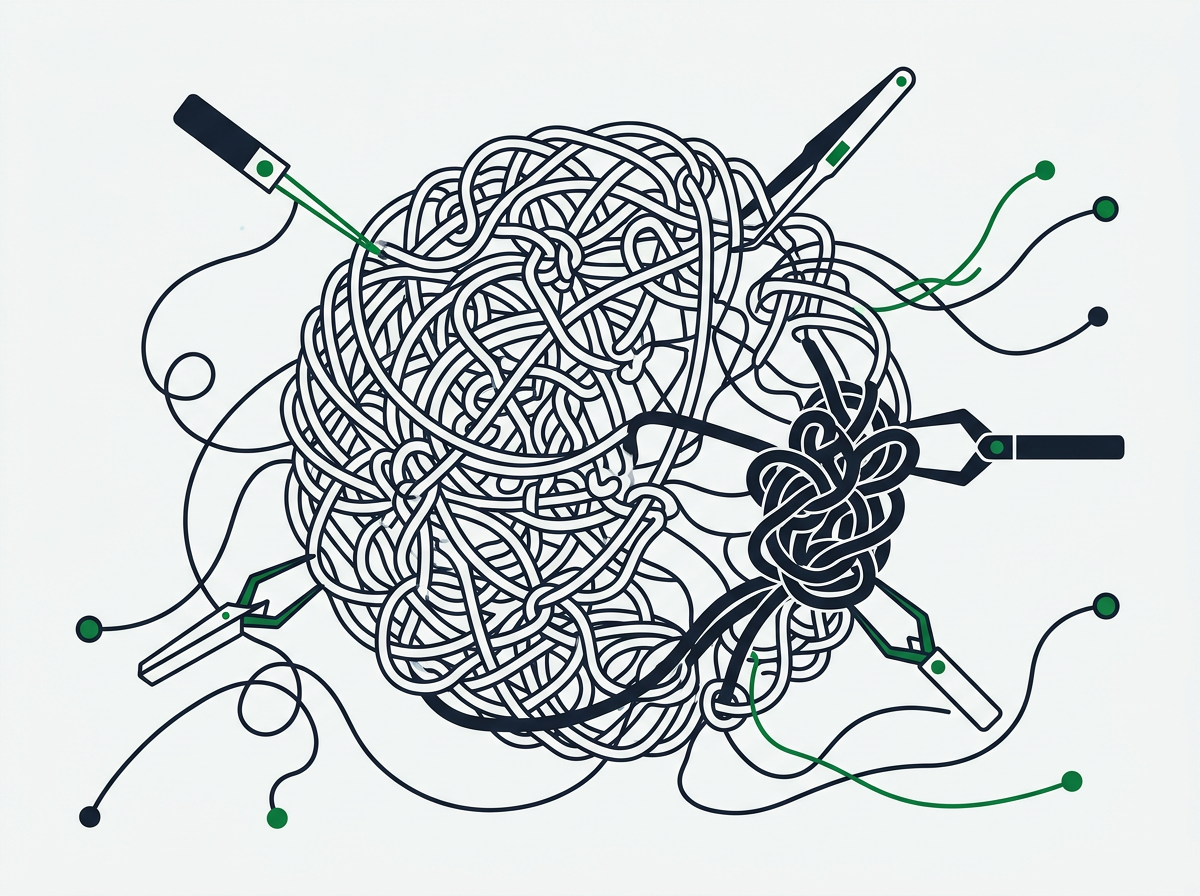
You can’t fix what you can’t see. Most service business owners underestimate how much time disappears into repetitive administrative work because it happens in fragmented five-minute blocks throughout the day. A quick call to confirm an appointment. Manually entering job details into three different systems. Chasing down a customer who asked for a quote two weeks ago.
These micro-tasks feel urgent in the moment but create zero lasting value. They’re invisible revenue leaks that compound daily, stealing focus from actual growth work.
Auditing Your Daily Operational Workflows
Start with a brutally honest two-day snapshot. Not a theoretical assessment—actual tracking. Every time you or a team member handles something administrative or repetitive, log it. What was the task? How long did it take? Could a system have handled it?
You’ll quickly spot patterns. The same customer questions answered manually every day. Job confirmations sent one-by-one via text. Invoices created individually instead of triggered automatically. Proposals built from scratch when 80% of the content repeats.
The goal isn’t to track everything forever. It’s to surface the workflows that consume disproportionate time relative to their business value. Research shows that 60% of all occupations have at least 30% of activities that could be automated with existing technology, yet most businesses continue operating manually.
Recognizing Single-Person Dependencies That Create Bottlenecks
The most dangerous time-sucking tasks aren’t just repetitive—they’re dependent on one specific person. Your lead estimator is the only one who knows how to price complex jobs. Your office manager is the only person who understands the billing cycle. Your top technician is the only one customers trust for certain service calls.
This creates operational fragility. When that person takes vacation, gets sick, or quits, the business breaks. But even when they’re present, they become a bottleneck because every related decision must route through them.
Map which critical workflows depend entirely on individual knowledge rather than documented systems. These aren’t just time-sucks—they’re existential risks hiding in plain sight.
Calculating the True Cost of Manual Repetition
Time theft isn’t the only cost. Manual processes introduce error rates that damage reputation and erode profit. A missed follow-up loses a $5,000 job. A scheduling mistake sends a crew to the wrong site, burning four labor hours and fuel. An invoicing error delays payment by 30 days, creating cash flow pressure.
Calculate the true cost by multiplying frequency times consequence. If you manually schedule 40 appointments weekly and 5% result in errors that cost an average of $200 to fix, you’re losing $400 weekly—over $20,000 annually—just from scheduling chaos.
Add the opportunity cost of senior team members spending hours on work that generates no revenue. If your operations manager makes $75,000 annually and spends 15 hours weekly on manual administrative work, you’re paying roughly $27,000 per year for tasks that could be automated for a fraction of that investment.
Automate Client Communication and Follow-Up
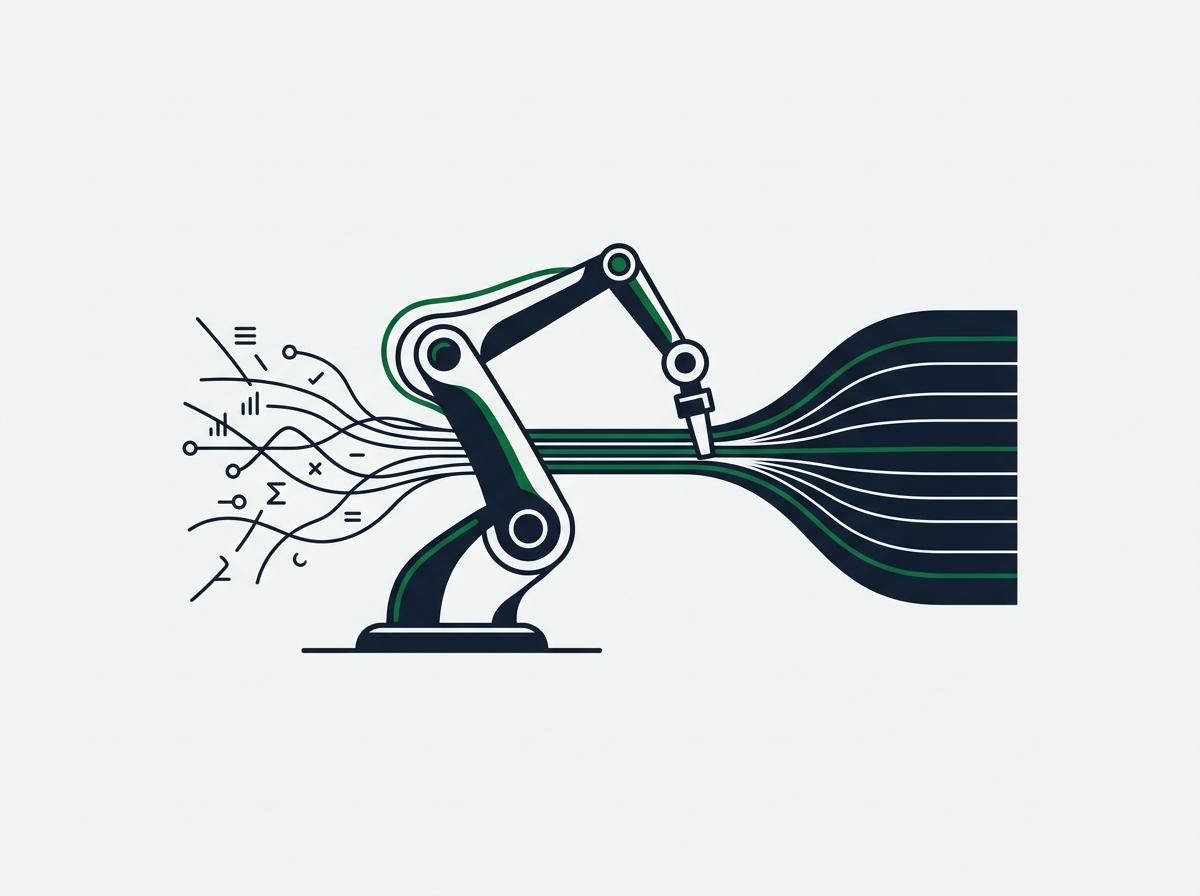
Client communication is where most service businesses hemorrhage time and revenue simultaneously. Leads call, you provide a quote, then… silence. No systematic follow-up. No automated nurture sequence. Just hope that they’ll remember to call back.
Meanwhile, existing clients require constant touch. Appointment reminders. Service confirmations. Payment notifications. Post-service follow-up. Each one handled manually, one customer at a time, eating hours daily.
Implementing Automatic Lead Response Systems
The first 60 minutes after a lead inquiry are critical. Studies indicate that businesses that respond to leads within five minutes are 100 times more likely to connect than those who wait 30 minutes. Yet most service businesses operate with manual response workflows that guarantee delays.
An automated lead response system triggers immediately when someone submits a contact form, calls your business line, or requests a quote. It acknowledges their inquiry, sets expectations about next steps, and begins qualifying their needs—all without human intervention.
This isn’t about replacing human connection. It’s about ensuring no lead falls through the cracks while your team is on a job site, in a customer meeting, or after business hours. The automation creates the first touch, then hands qualified leads to your team for personalized follow-up.
Building Follow-Up Sequences That Run Without You
The fortune lives in the follow-up, but manual follow-up doesn’t scale. You quote a job, note “follow up in 3 days” on a sticky note, then get pulled into an emergency. Three days becomes a week. The prospect hires a competitor who stayed top-of-mind.
Automated follow-up sequences eliminate this revenue leak. After providing a quote, an automated sequence triggers: Day 1 confirmation email, Day 3 value-add content addressing common objections, Day 7 check-in asking about questions, Day 14 final follow-up with urgency element.
Each touchpoint is personalized, timely, and happens whether you’re on vacation or buried in operational fires. The system doesn’t forget. It doesn’t get busy. It doesn’t skip steps because someone seemed uninterested.
For service businesses generating 50+ quotes monthly, this single automation can recover 10–15 hours and convert an additional 15–25% of proposals that previously died from neglect.
Deploying Reminder and Confirmation Workflows
No-shows and last-minute cancellations devastate service business profitability. Your crew shows up to an empty house. Your technician drives across town to a customer who forgot. Four labor hours and fuel costs vanish with zero revenue.
Automated appointment reminders slash no-show rates dramatically. A sequence that sends reminders at 72 hours, 24 hours, and 2 hours before the appointment—via email and SMS—keeps your schedule top-of-mind for customers drowning in their own chaos.
The same automation handles confirmations. Customer books an appointment online at 9 PM on Saturday. Immediate automated confirmation with appointment details, preparation instructions, and technician profile. No waiting until Monday morning for your office manager to send manual confirmations.
These workflows reclaim 5–8 hours weekly in administrative time while reducing no-show rates by 30–40%. That’s revenue protection and time recovery simultaneously.
Streamline Scheduling and Dispatch
Manual scheduling is organizational quicksand. You’re juggling technician availability, customer preferences, geographic routing, skill matching, and urgency levels—all in your head or on a whiteboard. One emergency throws the entire day into chaos, requiring 45 minutes of frantic rescheduling phone calls.
Automated scheduling and dispatch systems handle complexity that overwhelms human capacity, freeing you from the endless Tetris game of route optimization.
Connecting Your Calendar to Job Assignment Tools
The gap between your customer calendar and your technician schedule creates constant friction. A customer books an appointment online, but your dispatch team doesn’t see it until they manually check the system. Your technician completes a job early but doesn’t know about the cancellation that opened a time slot two blocks away.
Integration eliminates these disconnects. When a customer books, the system automatically assigns the job to the appropriate technician based on location, skillset, and availability. When a job runs long or a cancellation opens capacity, the system dynamically adjusts routes and notifies affected team members.
This isn’t futuristic technology. It’s table-stakes automation that most service businesses still handle manually, losing 6–10 hours weekly to coordination chaos.
Automating Route Optimization for Field Teams
Your experienced dispatcher might intuitively know efficient routes after years of trial and error. But intuition doesn’t scale when you’re running six trucks instead of two. And when that dispatcher takes vacation, the replacement burns 30% more fuel driving inefficient routes.
Route optimization algorithms process variables impossible for humans to juggle: real-time traffic, appointment windows, technician skill requirements, travel time between jobs, and customer priority levels. The system generates optimal routes in seconds, accounting for factors that would take hours to manually coordinate.
Service businesses implementing route optimization typically see 15–25% reduction in drive time, translating to an extra job per technician daily or earlier finish times that improve work-life balance and reduce overtime costs.
Eliminate Manual Data Entry
How many times does job information get entered into your systems? Customer calls, you write details on paper. That gets entered into your CRM. Then entered again into your scheduling system. Then entered again into your invoicing software. Then entered again into QuickBooks.
Four entries of the same information. Four opportunities for errors. Four time-sucks that create zero additional value beyond the first entry.
Integrating Your CRM With Invoicing and Accounting
Data should flow, not get re-entered. When a job is marked complete in your field management system, that should automatically trigger invoice generation, update your CRM, and sync to your accounting software. One action, cascading updates across all systems.
Integration eliminates the administrative lag that kills cash flow. Instead of invoices sitting in a “to be created” queue for 3–5 days after job completion, they’re generated and sent within hours. Instead of your bookkeeper spending six hours monthly reconciling disconnected systems, the data sync happens automatically.
For businesses running 100+ jobs monthly, eliminating duplicate data entry reclaims 12–15 hours while dramatically reducing billing errors that delay payment or damage customer relationships.
Capturing Job Details Digitally at the Source
Paper job tickets are time bombs. Your technician completes a job, scribbles notes on a form, and turns it in at day’s end. Someone back at the office deciphers the handwriting, enters the data, and files the paper. If questions arise, you’re tracking down the technician to clarify notes from three days ago.
Digital capture eliminates the translation layer. Technicians complete job details on a mobile app in the field—photos of completed work, customer signatures, notes about upsell opportunities, parts used. Data flows instantly to your office systems, triggering billing, updating inventory, and creating a permanent digital record.
This shift recovers 8–12 hours weekly in administrative processing while creating richer job documentation that protects against disputes and improves quality control.
Create Self-Service Options for Common Requests
How many calls or messages does your team field daily answering the same questions? “What are your hours?” “How much does X service cost?” “Can I reschedule my appointment?” “Where’s my invoice?”
Each inquiry feels quick—two minutes to answer a simple question. But 30 of those inquiries daily equals an hour. Seven hours weekly. Over 350 hours annually spent answering questions that could be automated.
Building a Customer Portal for Scheduling and Payments
Customer portals shift routine transactions from manual handling to automated self-service. Instead of calling to schedule an appointment, customers log in, view available time slots, and book directly. Instead of waiting for an invoice to arrive by email, they access it instantly in the portal. Instead of calling with a credit card number to process payment, they pay online.
The convenience improves customer experience while slashing administrative load. Research from American Express found that 60% of consumers prefer self-service tools like websites and apps for simple inquiries rather than calling or emailing.
Self-service doesn’t mean impersonal. It means empowering customers to handle routine tasks on their schedule—at 10 PM on Sunday when your office is closed—while freeing your team to focus on complex customer needs that actually require human expertise.
Implementing FAQ Resources and Chatbots
The same questions repeat endlessly: “Do you service my area?” “What’s included in a maintenance plan?” “How long does installation take?” “What payment methods do you accept?”
A well-structured FAQ page and basic chatbot handle these inquiries 24/7 without human intervention. The chatbot provides instant answers to common questions, collects information from qualified prospects, and escalates complex inquiries to your team during business hours.
This isn’t about replacing human connection—it’s about triaging appropriately. Simple informational questions get instant answers. Complex service needs get routed to experts. Your team stops playing information concierge and focuses on revenue-generating conversations.
Businesses implementing these self-service resources typically see 30–40% reduction in basic inquiry volume, reclaiming 4–6 hours weekly in phone and email time.
Measure, Refine, and Scale Your Automation
Implementing automation isn’t a one-time project—it’s an operational shift that compounds over time. The first wave of automation reclaims 20 hours monthly. The second wave finds another 15. The third wave eliminates workflows you didn’t realize could be automated.
But this only works if you measure results, identify what’s working, and systematically expand automation into new areas.
Tracking Time Savings and Error Reduction
Establish baseline metrics before automating. How many hours currently spent on manual follow-up? What’s the current no-show rate? How long does invoice generation take? What percentage of quotes receive timely follow-up?
After implementing automation, track the same metrics monthly. The data tells you what’s working and surfaces unexpected benefits. You might implement automated scheduling to save time, then discover it also reduced scheduling errors by 60%, improving customer satisfaction scores.
Quantified results build momentum for additional automation. When your team sees that automated lead response increased quote conversion by 20%, they’re more receptive to automating other workflows.
Identifying the Next Bottleneck to Automate
Automation reveals hidden bottlenecks. When you automate client communication, suddenly your constraint shifts to manual invoicing. Fix invoicing, and job documentation becomes the new bottleneck. Fix documentation, and reporting emerges as the time-sink.
This is progress, not frustration. Each automation layer removes one constraint, exposing the next opportunity. The businesses that scale profitably don’t automate everything simultaneously—they systematically eliminate bottlenecks in order of impact.
Ask monthly: “What’s the biggest time-sink this week that technology could handle?” Then automate that workflow. Repeat indefinitely.
When to Consider Expanding Your Automation Stack
Start with the automation your current systems can handle. Most CRMs, scheduling tools, and accounting platforms offer native automation features that 80% of users never activate. Maximize those capabilities before adding new tools.
But as operational complexity grows, purpose-built automation platforms become valuable. Integration tools like Zapier connect disconnected systems, triggering actions across platforms without custom development. Workflow automation tools handle multi-step processes that span departments.
The trigger for expansion is clear: when manual workarounds or system limitations are costing more in time and errors than new automation tools would cost to implement. If you’re paying someone $4,000 monthly to manually bridge gaps between systems, a $500/month automation platform that eliminates that work is an immediate ROI win.
For service businesses ready to scale beyond $2M revenue, comprehensive automation becomes non-negotiable. The operational complexity of managing 20+ employees, hundreds of monthly jobs, and multiple service lines simply exceeds human coordination capacity. Building systems that run your business instead of relying on personal heroics is the difference between growth and chaos.
Moving From Operational Chaos to Profitable Scale
Reclaiming 20 hours monthly isn’t about working less—it’s about redirecting that time from administrative quicksand to strategic growth work. Those hours become business development meetings. Strategic planning sessions. Employee development. Or actual time off without your phone exploding.
The service businesses that scale profitably share one characteristic: they systematically eliminate single-person dependencies and replace them with automated systems. The owner isn’t the bottleneck. The top performer isn’t the single point of failure. The business runs on processes, not heroics.
This transition doesn’t happen overnight, but it doesn’t take years either. Most businesses implementing the five automation areas outlined above see measurable time recovery within 30 days. Not theoretical savings—actual hours returned to their calendar.
The compounding effect accelerates over time. The first automation wave reclaims 20 hours. That recovered time enables the second wave, reclaiming another 15. Within 90 days, businesses typically report 40–60 hours monthly returned to productive work—equivalent to hiring a full-time employee without adding payroll burden.
But the real transformation isn’t measured in hours. It’s measured in operational confidence. The ability to take a Friday off without anxiety. The confidence that new hires will execute correctly because they’re following documented systems, not tribal knowledge. The certainty that leads won’t fall through the cracks because follow-up is systematic, not heroic.
This is how service businesses escape the operational trap without cutting services, reducing quality, or burning out trying to work harder. You build systems that scale alongside demand instead of breaking under it.
If you’re ready to move from chaos to systems, schedule a conversation to explore how the right operational foundation enables profitable growth without requiring you to be the last line of defense for every decision.
FAQs
What’s the first automation I should implement to see immediate results?
Start with automated client follow-up sequences after quotes or proposals. This addresses the most common revenue leak in service businesses—qualified prospects who go silent after receiving pricing. An automated 7–14 day follow-up sequence typically recovers 15–25% of quotes that would otherwise die from neglect, generating immediate revenue impact while reclaiming 5–8 hours weekly.
How do I get my team to actually use automation tools instead of reverting to manual processes?
Implementation without adoption wastes money and creates frustration. The key is involving team members in identifying pain points before selecting solutions, providing hands-on training rather than just documentation, and making the automated process easier than the manual alternative. When automation genuinely reduces their workload rather than adding steps, adoption becomes natural rather than forced.
What if my current software doesn’t support the automation I need?
First, audit your existing tools for unused automation features—most platforms offer capabilities that 80% of users never activate. If genuine gaps exist, integration platforms like Zapier can connect disconnected systems without custom development. For critical workflows that remain manual despite these approaches, the cost of switching to more capable software is typically justified by time savings within 3–6 months.
How do I maintain quality and personal service when automating customer interactions?
Automation should handle routine, repetitive tasks—not replace strategic customer relationships. Use automation for appointment reminders, quote follow-ups, payment confirmations, and informational inquiries. Reserve human interaction for consultative selling, complex problem-solving, and relationship building. Customers appreciate instant responses to simple questions and personalized attention for important decisions.
Will automation work for my specific industry or is it only for tech-savvy businesses?
Service businesses across HVAC, property management, legal services, financial advising, pest control, and field services successfully implement automation daily. The tools are industry-agnostic; the workflows being automated are universal—scheduling, follow-up, invoicing, customer communication. The question isn’t whether automation works in your industry, but whether you’re willing to systematically document and improve your processes.
How long does it take to reclaim 20 hours monthly after implementing automation?
Most businesses see measurable time recovery within 30 days of implementing their first automation layer, typically 8–12 hours monthly. The full 20+ hour reclaim happens after addressing 3–4 of the five areas outlined—usually within 60–90 days. Time savings compound as multiple automated workflows interact, eliminating entire categories of manual coordination work.
Sources & references