
For coaches and consultants in Knoxville, TN and nationwide, email automation is key. It’s the difference between spending 10+ hours monthly on manual tasks and building a system that nurtures leads on autopilot. Be Known, LLC partners with coaching businesses to set up automation that converts subscribers into clients without constant work.
Key Takeaways
- Managed services save 10+ hours weekly versus DIY platforms
- Most coaches need lead flow fixed before choosing tools
- All-in-one platforms prevent common integration failures
- Budget platforms become expensive after 2,000 contacts
- Advanced automation requires conditional logic and tagging architecture
How Much Time Do You Spend Managing Email Marketing?
You send emails by hand. You copy contacts one by one. You build sequences from scratch. Then you watch your open rates drop and wonder why no one’s buying.
This approach burns time and energy. It’s frustrating because you know there’s a better way you haven’t figured out yet.
That’s why you’re looking for email marketing automation services.
At Be Known, LLC in Knoxville, TN, we know these frustrations. Most clients find us when they’re fed up with:
- Spending 10+ hours monthly writing emails and managing sequences
- Platforms they can’t use well
- Integrations breaking without warning
- Building sequences based on assumptions, not data
- Choosing the wrong platform and getting locked in
It’s hard to know what you actually need. Will the right platform solve your problems? Or do you need someone to manage everything for you?
In this post, we evaluate managed services versus DIY platforms. We cover all-in-one systems and email-focused tools.
First, we address the big problem we see with clients. Most small businesses shop for platforms when they need consistent lead flow first. They also need someone to manage automation second.
Ready to stop comparing features and figure out what’s best for your situation? Keep reading to understand whether you need software, services, or to fix your funnel.
Be Known – Best Managed Email Automation for Coaches and Consultants
Most clients who come to us for email automation try to solve the wrong problem. They want the right features, hoping the platform will need minimal effort.
Every platform requires learning, testing, and managing. The solution that makes sense for most business owners is simple. Have someone set up and manage your entire automation strategy.
What Is Be Known?
Be Known, LLC provides full-service email automation management. We handle strategy, technical setup, copywriting, and ongoing optimization for coaches and consultants.
We offer four core capabilities:
- Email automation management – Build sequences with conditional logic, tagging, CRM integration, and automated workflows
- Technical implementation – Handle platform setup, integration monitoring, deliverability optimization, and troubleshooting as your email marketing tech team
- Strategy and copywriting – Write conversion-focused copy in your voice, or act as IT if you prefer writing emails yourself
- System cleanup and optimization – Clean up your existing platform mix and duct-taped integrations
Here’s how we differ from other agencies that service coaches and consultants:
- We start by analyzing your current challenges (like feast-or-famine launches and technical overwhelm) instead of forcing our model.
- We take over the tech side, untangle the wires, and let you serve clients. We set up your funnel, then handle integration, automation, and tracking.
- We focus on your bottom line, cost per client acquisition, lifetime value, and return on ad spend, not vanity metrics like pageviews.
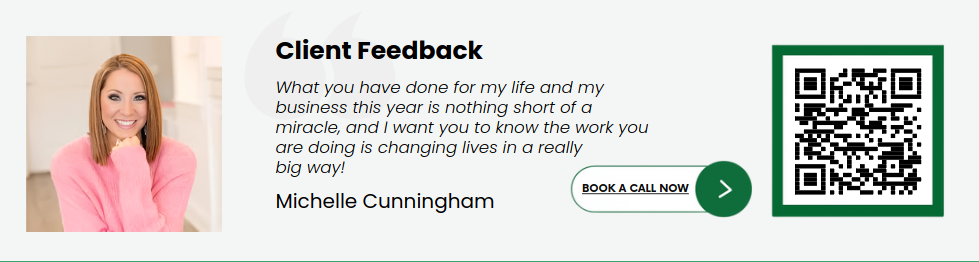
You don’t have to take our word for it. Read how we helped Michelle go from $5 CD sales to $1.7 million in 18 months. We started with better email sequences and full platform management.
The Advanced Automation You’ll Need Later
Most people overlook what basic automation tools can do. We use these to build sophisticated if-then conditional logic.
Here’s an example of the conditional logic you’ll need in 6 to 12 months:
- If new contact created
- Then send these emails
- But also apply these tags
- Update CRM to move to different stage
- Notify internally
- Assign a salesperson
- Send reminder every X days
Conditional exits are something most platforms miss.
Example: If they get a certain tag, kick them out so they don’t get “book a call” emails after they’ve already booked.
A managed service solves the need for advanced automation. It knows what depth you’ll need and builds the system so you won’t rebuild later.
Be Known’s Platform and Pricing
Be Known typically uses GoHighLevel for clients. It’s an all-in-one platform with email, CRM, landing pages, automation, and scheduling.
We use GoHighLevel because it stops integration issues. It gives you the automation depth you need for scaling. Its native links prevent the normal Zapier failures that come with duct-tape approaches.
You’re not only getting a platform and management service. You’re also getting 10+ hours per month back.
This is sophisticated automation you can’t build yourself. It lets you sidestep integration nightmares and broken sequences that plague DIY attempts.
When you understand what effective email automation really takes, you understand you’re not choosing between platforms.
You’re choosing whether to become an email marketing expert or focus on your actual business while experts handle automation.
Our pricing starts at $3,500 per month for full-service email automation management. See more packages and pricing here.
We’ve built this service into the best option for small businesses with existing lead flow who want their time and lives back.
If that sounds like you, schedule a strategy call. See if you qualify for paid acquisition for coaches and consultants with managed automation services.
7 DIY Email Automation Platforms (If You Have Time to Manage)
Be Known’s managed service won’t be right for everyone. If you have 10+ hours monthly for platform management, these DIY platforms are worth checking.
Before we dive in, know that most email marketing platforms lure you in with pricing, then set up feature limits you’ll pay to remove.
They know what you haven’t learned yet. They know what you’ll need later. But they don’t tell you at the start.
Let’s take a moment to understand the trade-offs most small businesses overlook.
The Pricing Trap Most Small Businesses Fall Into
Many look for platforms with the lowest cost. What they don’t consider are the features they’ll need later because they don’t know them yet.
Mailchimp is a good example. It’s good, but not great. It’s not scalable. After a certain number of contacts, Mailchimp becomes more expensive than competitors that seemed pricier at first.
Even if money costs stay low, there are operational costs like time and resources. You’ll pay with your hours instead of dollars.
A more realistic calculation includes:
- Your time spent working around platform limits
- Troubleshooting integrations
- Rebuilding sequences when you outgrow basic features
This compounds what’s needed to manage automation. You need someone to take over the tech side, but managing a limited platform takes even more time.
Now that we’ve called out hidden costs, you can use that to better evaluate market tools. Here’s our overview of selected platforms by category. All pricing is accurate at publishing time but subject to change.
Category 1: All-in-One Platforms (Best for Avoiding Integration Issues)
These platforms bundle email, CRM, landing pages, and automation in one system.
1. GoHighLevel
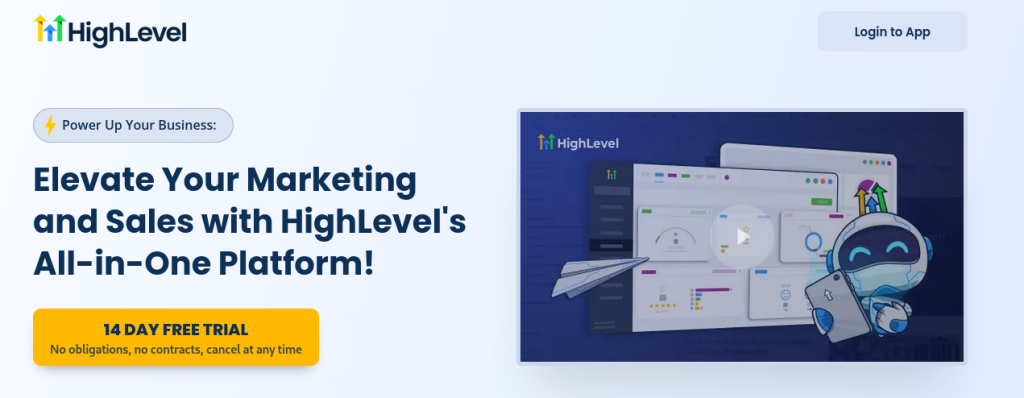
What it is: Complete platform with email, CRM, landing pages, automation, scheduling, and more.
Automation depth: Sophisticated conditional logic, tagging, CRM integration, internal notifications, conditional exits.
Why Be Known uses it for clients: Stops integration nightmares, provides automation depth clients need as they scale, native integrations prevent silent failures.
The trade-off: steep learning curve. You’ll need to hire someone who already knows the platform, or spend three to six months learning it yourself.
Best for: Businesses ready for complex automation who need everything integrated natively and can invest time learning.
Pricing: Starting at $97 per month for basic plan, $297 per month for agency plan with advanced features.
What you’re signing up for: Expect 2 to 3 months of learning before you’re productive. Plan for 10 to 15 hours per month ongoing management.
2. ActiveCampaign
What it is: Email-focused platform with strong automation and CRM capabilities.
Key features: Advanced segmentation, conditional content, predictive sending, lead scoring, attribution reporting.
Automation depth: Strong conditional logic and branching, integrates with 850+ apps.
The trade-off: Needs separate tools for landing pages, scheduling, payment processing.
Best for: Businesses that put email sophistication over all-in-one functionality and already have other tools in place.
Pricing: Starting at $19 per month (up to 1,000 contacts), scales to $149 per month for higher tiers.
What you’re signing up for: Less learning curve than GoHighLevel, but you’ll manage multiple tool integrations. Plan for 8 to 12 hours per month ongoing management.
3. Keap (formerly Infusionsoft)
What it is: CRM-first platform with email automation, landing pages, and e-commerce features.
Key features: Sales pipeline management, appointment scheduling, payment processing, client management.
Automation depth: Good conditional logic, strong CRM integration (it’s built in), e-commerce automation.
The trade-off: More expensive than competitors, steeper learning curve.
Best for: Service-based businesses that need CRM and appointment scheduling integrated with email automation.
Pricing: Starting at $79 per month (up to 500 contacts) for Lite plan, $169 per month for Pro, $199 per month for Max.
What you’re signing up for: Big upfront setup time (4 to 6 weeks), 10+ hours per month ongoing management. Not for budget-conscious businesses.
Category 2: Email-Focused Platforms (Best for Simplicity)
These platforms focus on ease of use over all-in-one functionality. They’re simpler to learn but need separate tools for other functions.
4. Mailchimp
What it is: Popular entry-level platform with free tier and user-friendly interface.
Why small businesses choose it: Lowest upfront cost, familiar name, easy to start.
Automation capabilities: Basic sequences, simple segmentation, pre-built automation templates.
The trade-off: Easy to start but lacks scalability. After certain contact thresholds (around 2,000 to 5,000), it becomes more expensive. Automation depth is basic.
Best for: Very small lists (under 1,000), simple automation needs (welcome series, basic nurture), tight budgets with understanding you’ll outgrow it.
Pricing: Free up to 500 contacts, then $13 to $350 per month based on list size.
What you’re signing up for: Easy start, but you’ll hit walls with automation depth and integration issues within 6 to 12 months if you’re growing.
5. Kit (formerly ConvertKit)
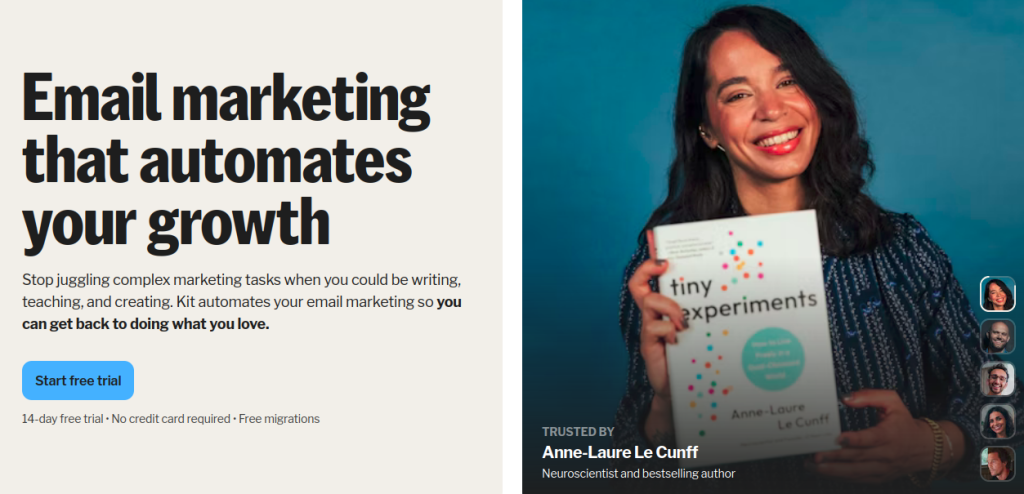
What it is: Creator-focused email platform for bloggers, podcasters, course creators.
Key features: Visual automation builder, tagging and segmentation, landing pages, subscriber scoring.
Automation depth: Better than Mailchimp but not as robust as ActiveCampaign. Good for creator workflows.
The trade-off: Limited CRM features compared to all-in-one platforms. It’s not ideal if you need complex sales pipelines. The same goes for appointment booking or payment processing beyond basic digital sales.
Best for: Content creators, bloggers, course creators who need subscriber management without CRM complexity.
Pricing: Free up to 1,000 subscribers, then $29 to $79 per month based on features.
What you’re signing up for: 4 to 6 hours setup, 5 to 8 hours per month ongoing management. Easier learning curve than all-in-one platforms.
6. Drip
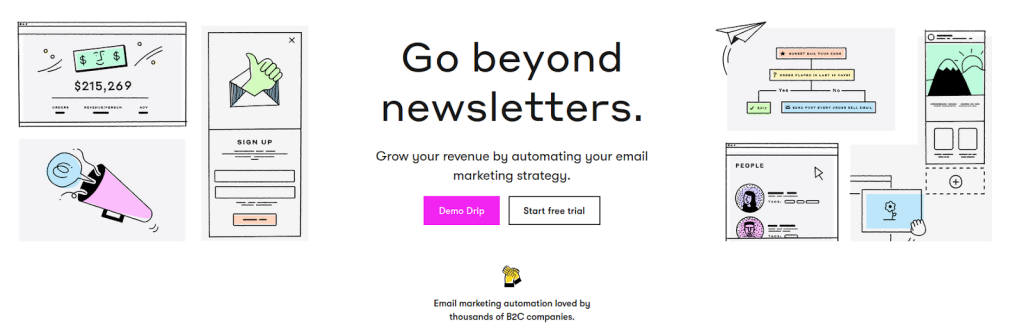
What it is: E-commerce focused email platform with strong automation for online stores.
Key features: E-commerce personalization, product recommendation automation, revenue tracking, multi-channel marketing.
Automation depth: Strong for e-commerce workflows (cart abandonment, post-purchase, win-back campaigns).
The trade-off: It’s heavily built for e-commerce. That means it’s overkill if you’re not selling products online. Service-based businesses will find the interface and features geared toward store owners, not consultants or agencies.
Best for: E-commerce businesses, digital product sellers who need revenue tracking and product-specific automation.
Pricing: Starting at $39 per month (up to 2,500 contacts).
What you’re signing up for: 6 to 8 hours setup, 6 to 10 hours per month ongoing management. Learning curve is moderate.
Category 3: Enterprise-Lite (Best for Complex Needs)
These platforms offer sophisticated automation for businesses with complex needs and bigger budgets.
7. HubSpot Marketing Hub
What it is: Full marketing automation suite with email, CRM, social, ads, landing pages, analytics.
Key features: Marketing automation, lead scoring, attribution reporting, A/B testing, detailed analytics.
Automation depth: Enterprise-level conditional logic, multi-channel automation, advanced segmentation.
The trade-off: Expensive, complex, built for marketing teams not solo operators.
Best for: Businesses with marketing teams, complex attribution needs, and budgets to match ($800+ per month).
Pricing: Starter $20 per month (very limited), Professional $800 per month, Enterprise $3,600 per month.
What you’re signing up for: 8 to 12 weeks implementation, 15 to 20 hours per month ongoing management, likely need dedicated marketing person.
Managed Services vs. DIY Platform: A Decision Framework
Here’s our comparison table between DIY platforms and managed services as a starting point:
| Service/Platform | Be Known (Managed) | GoHighLevel | ActiveCampaign | Keap | Mailchimp | Kit | Drip | HubSpot |
|---|---|---|---|---|---|---|---|---|
| Setup Time | 1-3 weeks (we handle) | 8-12 weeks | 4-6 weeks | 4-6 weeks | 1-2 weeks | 2-4 weeks | 3-5 weeks | 8-12 weeks |
| Monthly Management Time | 0 hours (we handle) | 10-15 hours | 8-12 hours | 10+ hours | 5-8 hours | 5-8 hours | 6-10 hours | 15-20 hours |
| Automation Depth | High (we build) | High | Medium | Medium | Basic | Medium | Medium | High |
| Integration Approach | Native (we monitor) | Native | 850+ integrations | Limited | Limited | Limited | E-comm focus | Native |
| Technical Support | Included | Self-serve | Email support | 24/7 support | Email support | Email support | Email support | Priority (Pro+) |
| Strategy Included | Yes | No | No | No | No | No | No | No |
| Copywriting Included | Yes (optional) | No | No | No | No | No | No | No |
| Best For | Lead flow + ROI focus, no DIY time | DIY + time | DIY + time | Service biz | Small budgets | Creators | E-commerce | Marketing teams |
Here’s the big question before you decide on email automation tools or services: Are you currently getting new email subscribers or leads consistently?
If not, stop here. You need to fix your funnel or start gaining traffic before shopping for any platform or service.
Without lead flow, you’re building sequences in a vacuum.
If you are bringing in new subscribers and leads consistently, proceed to the evaluation below.
Choose managed services (Be Known, LLC) if:
- You already have some lead flow but lack 10+ hours monthly for platform management
- You need sophisticated automation but don’t have email marketing expertise
- You’ve had integration failures or broken sequences with DIY attempts
- You want to focus on revenue activities instead of becoming an email marketing expert
- You value getting 10+ hours per week back more than saving $3,000 per month
Choose a DIY platform if:
- You have healthy lead flow AND 10+ hours monthly for management
- You have or will develop email marketing expertise
- You have team member who can own platform management long-term
- You prefer direct control over every aspect of implementation
- You enjoy learning technical systems and troubleshooting issues
Don’t choose either yet if:
- You lack consistent lead flow, fix your funnel or offer first
- You’re building sequences based on assumptions instead of data
- You haven’t checked whether platforms integrate with your existing tools
- You’re hoping email automation will solve your lead generation problem
Are You Ready for Managed Email Automation?
Be Known transforms manual email chaos into automation that nurtures leads without constant hands-on involvement.
Unlike DIY platforms, we handle all the technical heavy lifting. That means funnel automation, tracking setup, and ongoing optimization. Our clients typically free up 10+ hours per week by letting us manage the technical side.
What you get when you hire Be Known for email marketing automation:
- We handle strategy, implementation, and ongoing management, not just provide software.
- We build the kind of automation you couldn’t create yourself (conditional logic, tagging architecture, CRM integration).
- We monitor integrations so you don’t experience silent failures like the common ClickFunnels + Mailchimp disasters.
- We either write copy in your voice, or act as technical team if you prefer writing your own.
That said, we are very selective about clients due to the highly personalized and one-on-one nature of our engagement.
Book a strategy call here to see if managed email automation makes sense for your business.
Keep reading: see all of our client acquisition guides, or talk with us about your own setup.
FAQ: Email Marketing Automation for Coaches and Consultants
What is the best email marketing automation service for coaching businesses?
For coaches and consultants, managed services like Be Known, LLC offer the best ROI. You get full automation management, strategy, and tech support. You won’t spend 10+ hours monthly. DIY platforms like GoHighLevel or ActiveCampaign work if you have time for ongoing management.
How much does email marketing automation cost for small businesses?
DIY platforms range from free (Mailchimp up to 500 contacts) to $300+ monthly (GoHighLevel, HubSpot). Managed services start around $3,500 per month but include strategy, implementation, copywriting, and technical support. The real cost is your time, DIY platforms need 8 to 15 hours monthly.
What’s the difference between GoHighLevel and ActiveCampaign?
GoHighLevel is an all-in-one platform. It has email, CRM, landing pages, and booking built in. ActiveCampaign focuses on email power. It needs separate tools for pages and booking. GoHighLevel stops integration problems but it’s harder to learn. ActiveCampaign offers 850+ app links but you’ll need to manage Zapier.
Should I use managed email marketing services or DIY automation?
Choose managed services if you have lead flow but lack 10+ hours monthly for platform management or email marketing expertise. Choose DIY if you have time, expertise, and enjoy technical systems. Don’t choose either until you have consistent lead flow, fix your funnel first.
What email automation features do coaches and consultants need?
Coaches need conditional logic (if-then rules), tagging, CRM links, and lead scoring. You also need conditional exits to stop sequences when goals are hit. Basic platforms offer simple sequences. Advanced platforms like GoHighLevel, ActiveCampaign, and HubSpot give you the conditional depth you need to scale.
How do I choose between Mailchimp, Kit, and Drip for my coaching business?
Mailchimp works for tiny lists (under 1,000) with basic needs. It gets expensive and limited fast. Kit suits creators like bloggers and course sellers who need subscriber management without CRM complexity. Drip is built for e-commerce, not coaches. For coaching businesses, consider ActiveCampaign or managed services instead.
What’s the biggest mistake coaches make with email automation?
Shopping for platforms before having consistent lead flow. Without subscribers coming in regularly, you’re building sequences based on assumptions, not data. Fix your funnel and offer first. Then choose between managed services (if you lack time) or DIY platforms (if you have 10+ hours monthly).