For accounting & CPA firms
We build accounting firm automation for prospect intake, proposals, engagement, onboarding and client communication at CPA and accounting firms, so the right clients sign faster, documents show up on time and tax season stops running your team into the ground.
★★★★★ Rated 5.0 on Google120+ clients since 2018Projects from $1,500
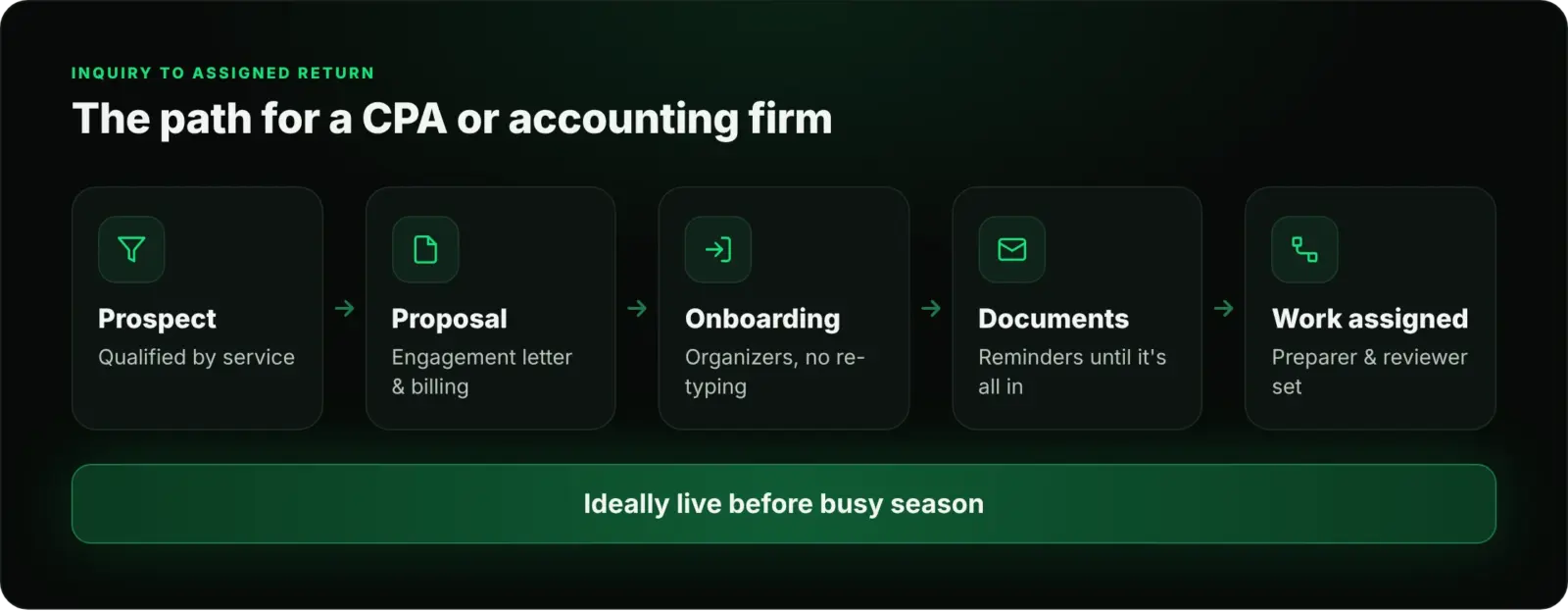
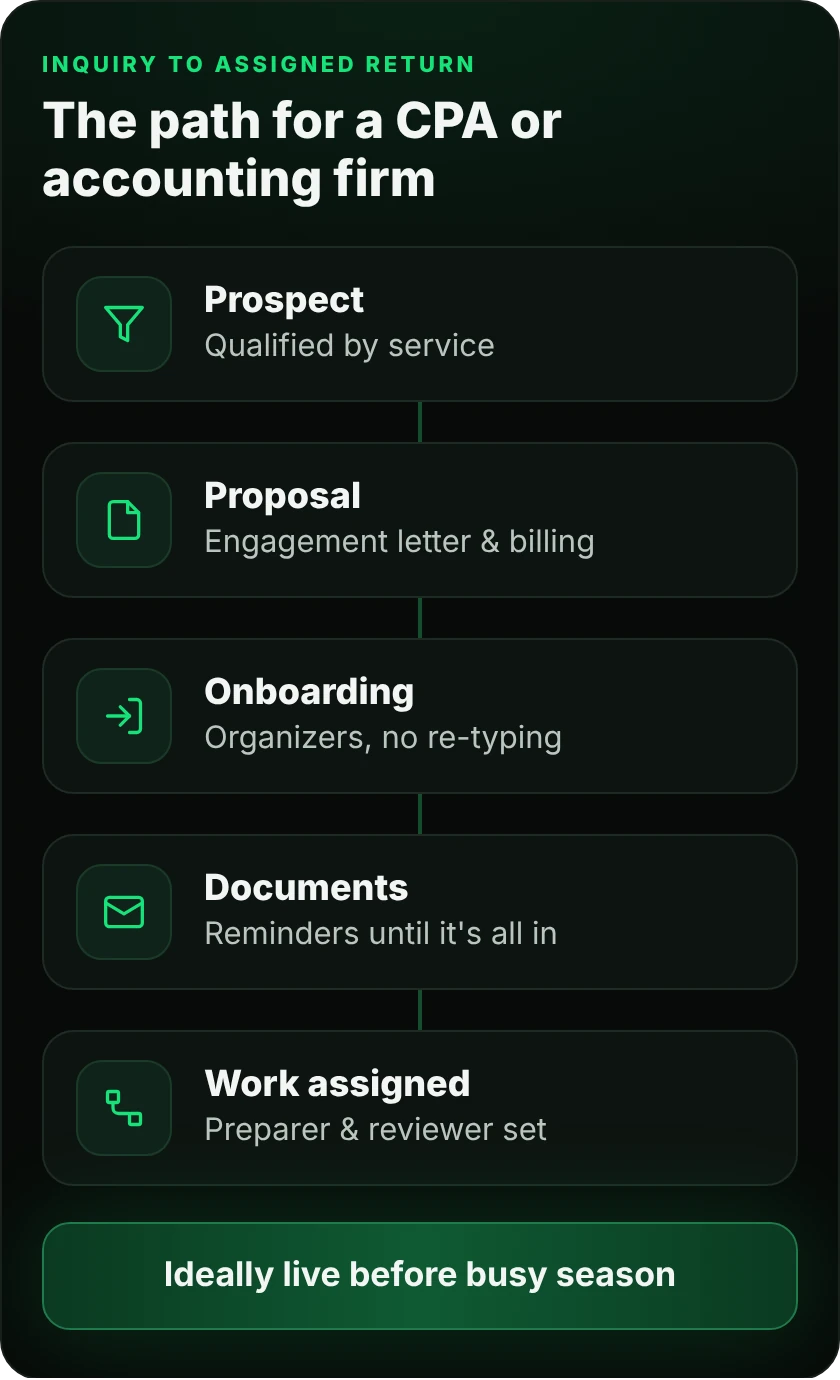
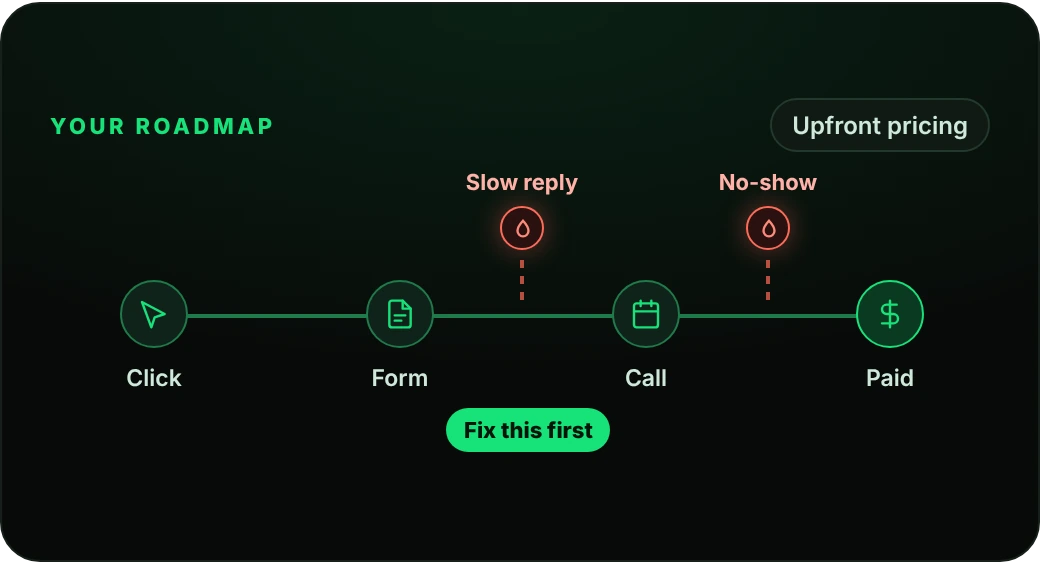
Inquiry to filed return
Automated
By service & complexity
Proposal, letter & billing set up
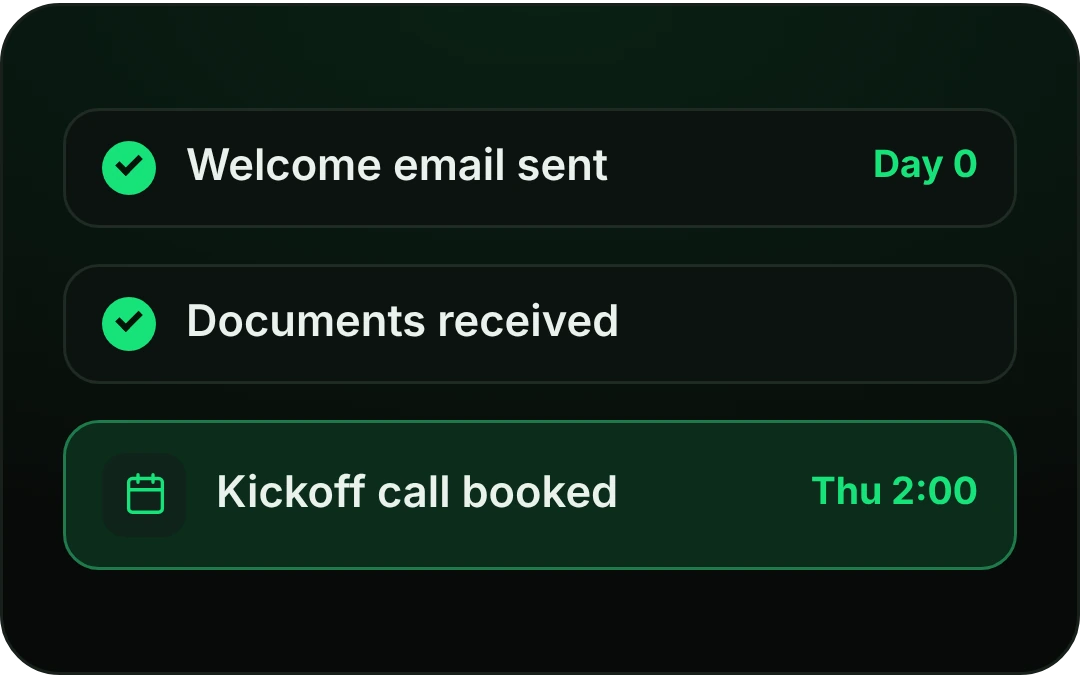
Organizers & setup, no re-typing
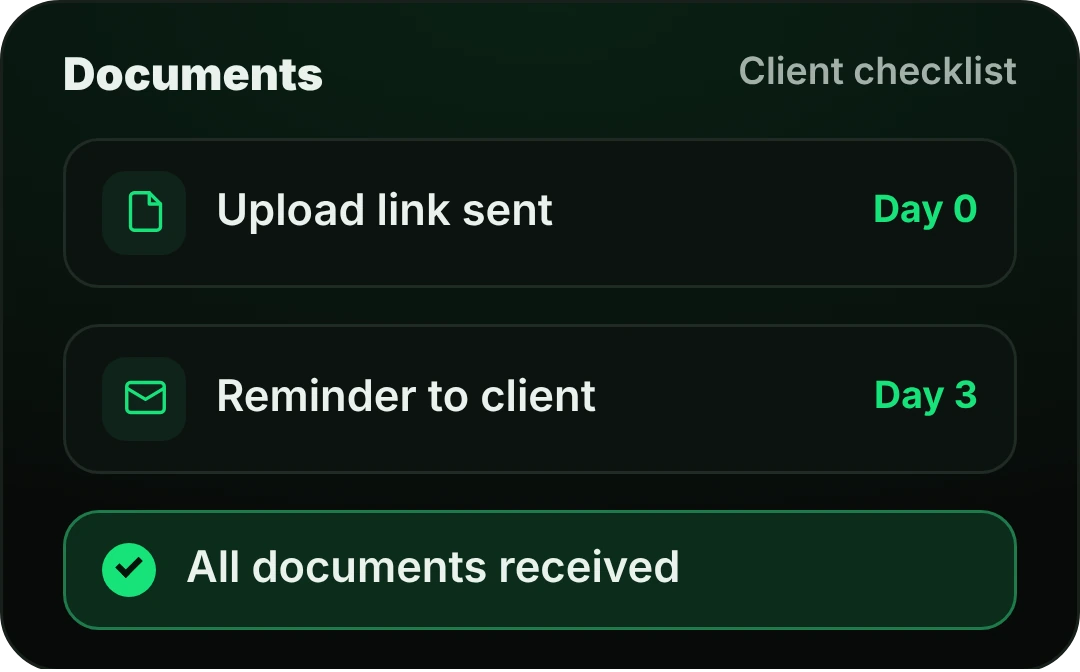
Reminders run until everything’s in
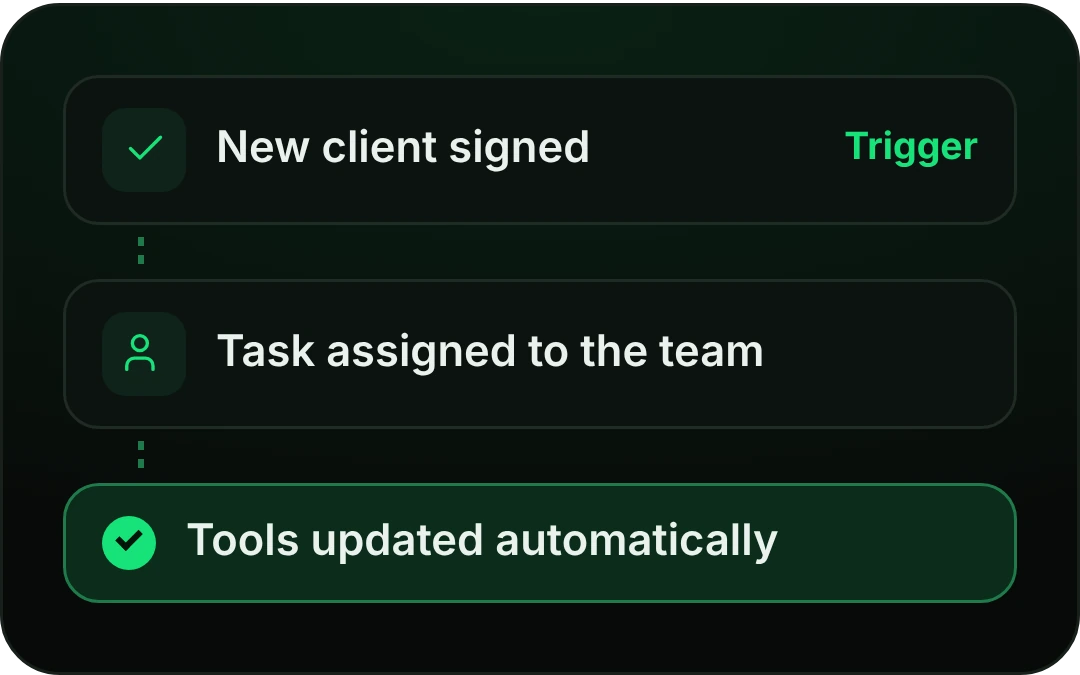
Preparer & reviewer handoffs
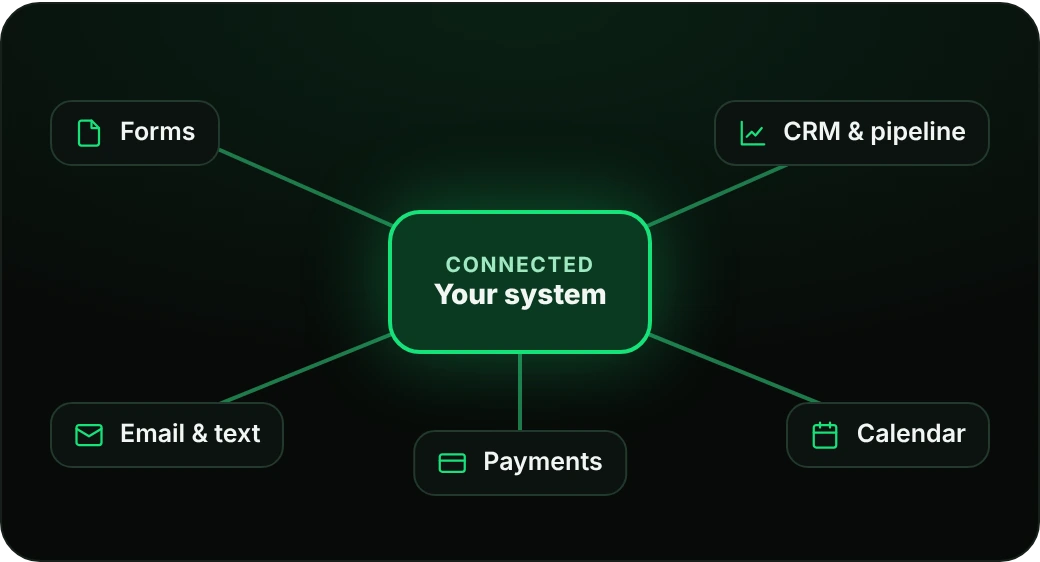
Works with Karbon, TaxDome, Canopy & QBO. Ideally live before busy season.
A few clients we've worked with


The short answer
Be Known designs and builds accounting firm automation systems for CPA and tax firms. We connect prospect intake, proposals and engagement letters, client onboarding, document collection, status updates and recurring workflows inside the tools your firm already uses, like Karbon, TaxDome, Canopy, QuickBooks Online, Xero and Microsoft 365, so your team spends less time chasing and more time on billable work.
CPA, tax & bookkeeping firmsWorks with your practice management softwareBuilt for busy season
Sound familiar?
The work isn’t the problem. It’s everything around the work, especially from January to April.
Document chasing
the same “still missing…” email, dozens of times a week.
Engagement letters
rebuilt and chased by hand every year.
New prospects
wait in the inbox during busy season.
Onboarding
lives in someone’s head.
“Where’s my return?”
calls pile up because clients can’t see progress.
Capacity
is invisible until deadlines are at risk.
Be Known
We automate the chasing, onboarding & handoffs so your team spends busy season on billable work.
What we build
Every build is scoped to your services, team and software. These are the six accounting firm automation systems firms ask us for most.
01
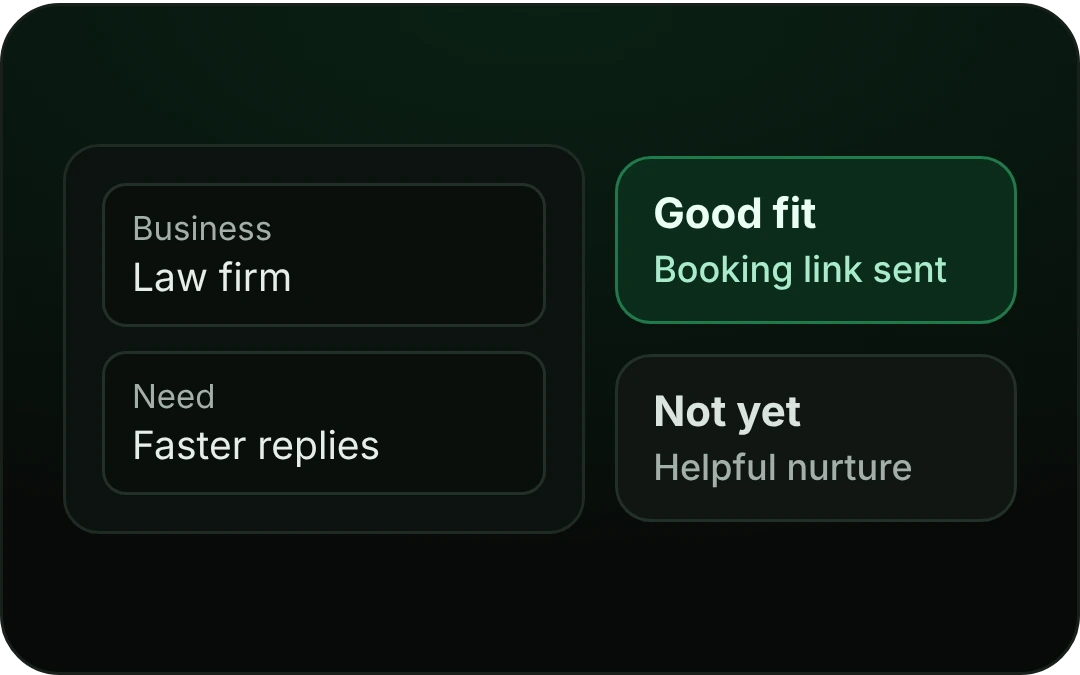
New inquiries are captured, qualified by service and complexity, and booked or routed, even when the team is buried.
Common for: Firms turning away the wrong fits by hand
02
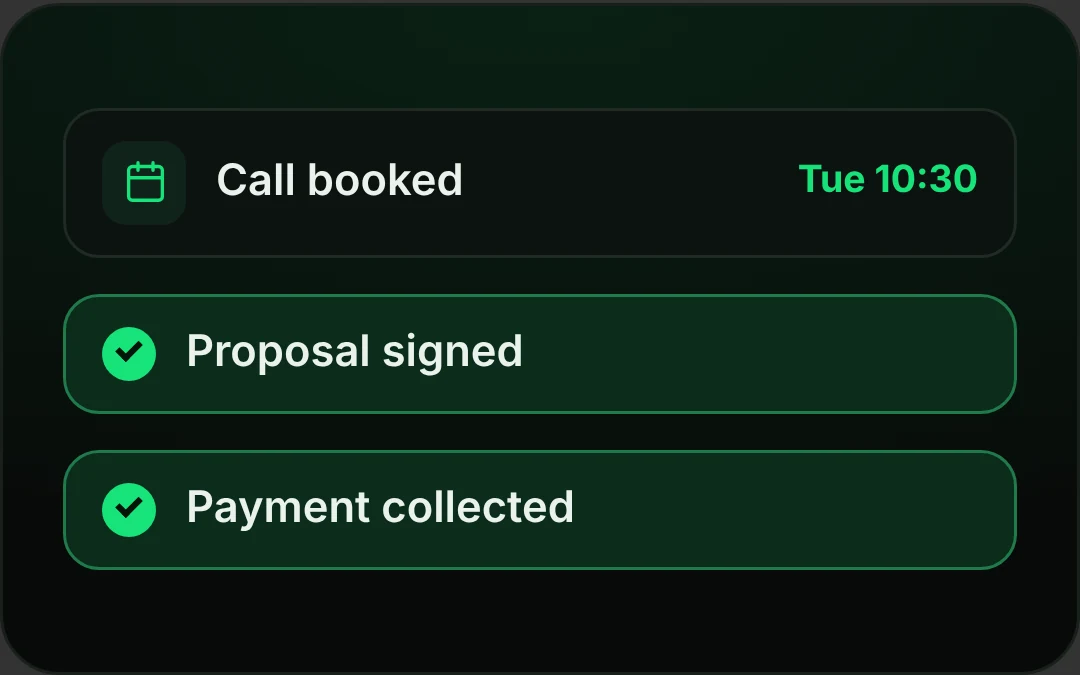
Proposals, engagement letters and annual renewals go out, get signed and set up billing, without rebuilding them by hand.
Common for: Firms with hundreds of annual renewals
03
Clients get friendly, automatic reminders until everything is in, plus updates as their work moves forward.
Common for: Tax practices every January
04
Every new client gets the same organized welcome, and their information lands in your systems without re-typing.
Common for: Firms adding clients every month
05
Recurring monthly, quarterly and annual work is created, assigned and handed off automatically.
Common for: Bookkeeping & advisory teams
06
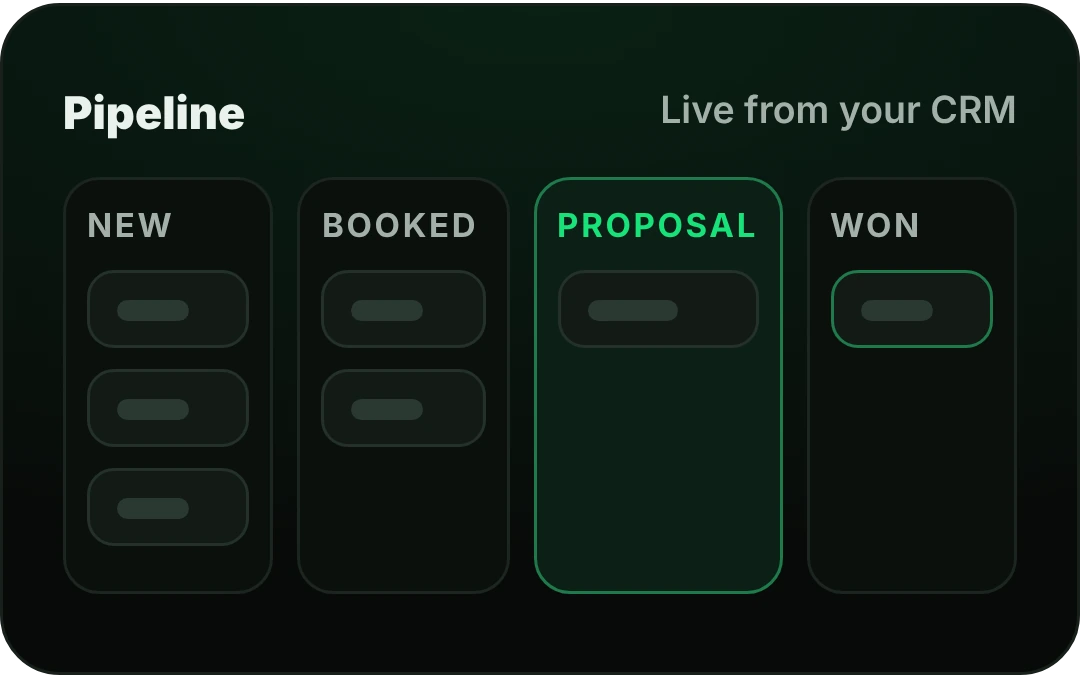
See new business, work in progress and team capacity in one place, without pulling reports by hand.
Common for: Partners planning headcount
Also common for firms: reviews & referrals and custom AI tools like assistants that answer common client questions or summarize documents for staff review.
Example build
An illustrative example: a typical onboarding-to-document-collection build for a small tax and bookkeeping firm. Every real build is scoped to the firm.
01
We map how clients come in, how work gets assigned and where it stalls. Common finding: staff hours lost every week to document follow-up and status emails.
02
We automate engagement letters and renewals, standardize onboarding, set up reminder sequences that run until documents are in, and connect everything to the firm’s practice software.
03
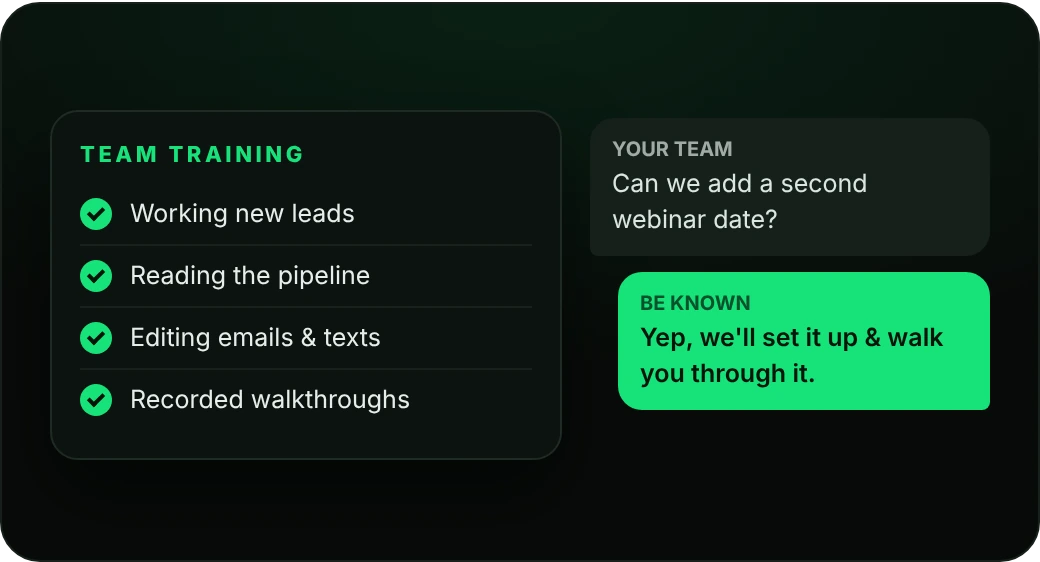
The team gets a short walkthrough and written SOPs. We launch before busy season when possible, watch the first wave of clients, and tune reminders and handoffs.
Tools we build with
We build around the practice management, accounting and email tools your firm already uses.
KarbonTaxDomeCanopyFinancial CentsQuickBooks OnlineXeroIgnitionSmartVaultMicrosoft 365Google WorkspaceGoHighLevelZapier & Make
Proof
Brad Blazar · Coaching & consulting
$7.03M
Revenue since 2020
Webinar, lead capture & follow-up systems
Michelle Cunningham · Sales training
$1.7M
In 18 months
Webinar & event systems
Laura Cowan · Lifestyle legal coaching
15-18 hrs
Recaptured every week
Onboarding, delivery & custom AI
Founder-led sales team
0
Sales calls the founder has to review
Custom AI tools & apps
FAQ
Anything else? Email mail@beknownonline.com or bring it to your free consultation.
Accounting firm automation covers most of the admin around the accounting work: prospect intake, proposals and engagement letters, annual renewals, client onboarding, document collection and reminders, status updates, recurring task creation, handoffs and reporting. The judgment and review stay with your team.
Usually, yes. We build around the practice management, accounting and email tools your firm already uses, including Karbon, TaxDome, Canopy, Financial Cents, QuickBooks Online, Xero, Ignition and Microsoft 365. Some tools already have automation built in, so we’ll help you use what you’re paying for before adding anything new.

We build inside tools your firm already approves, use secure upload links instead of email attachments where possible, and limit what data moves between systems to what each step needs. Your firm stays in control of its accounts and data.
That’s the ideal time. Onboarding, engagement letters and document reminders deliver the most value when they’re live before the January rush. The earlier we start, the more of busy season the systems can take off your team’s plate.
Usually document collection or engagement letters, whichever costs your team more hours each week. Your free consultation ends with a clear recommendation for what to build first.
Most accounting firm automation projects start at $1,500 for a single focused system, like document collection or engagement letters. Full build-outs across intake, engagement, onboarding and workflows typically run $25,000+, depending on the work needed. You get a fixed quote before any work starts.
Book a free 20-minute consultation. We’ll map where your business is losing leads, time & revenue, and show you the first system we’d build, no obligation.
On the call, you get: