For law firms
We build law firm automation for intake, follow-up, onboarding and client communication, so every inquiry gets answered, every consult gets booked, and your team stops living in their inbox.
★★★★★ Rated 5.0 on Google120+ clients since 2018Projects from $1,500
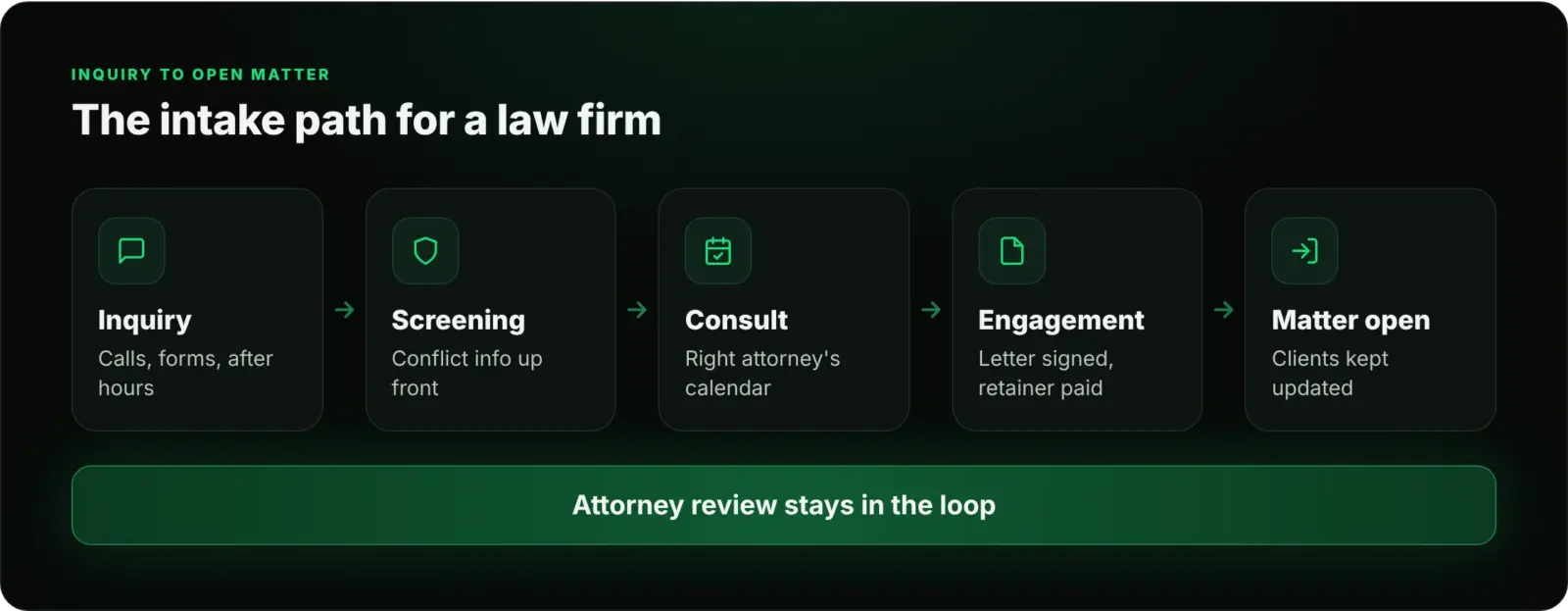
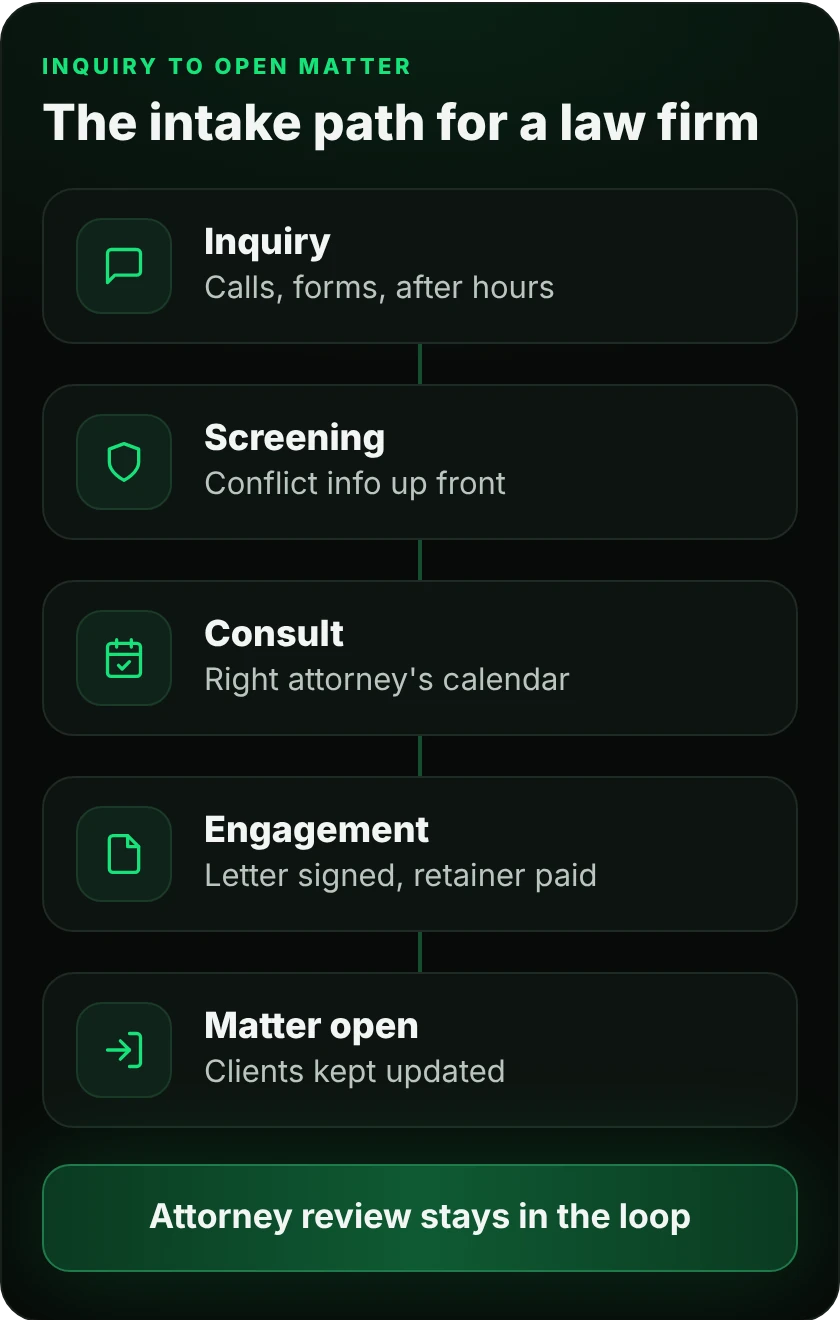
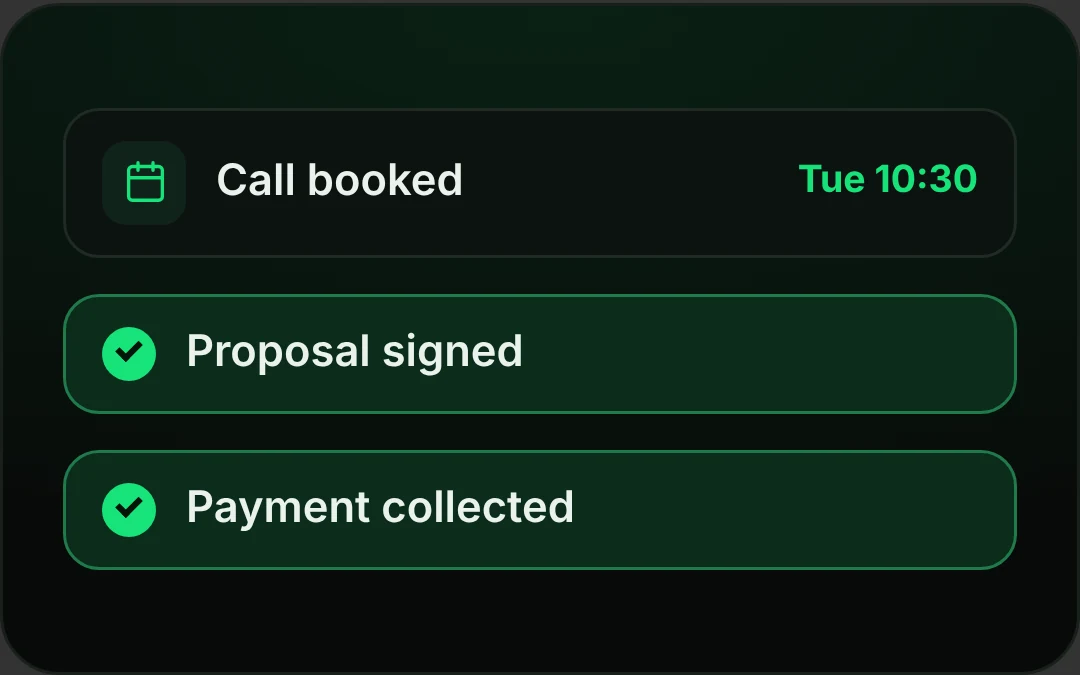
Inquiry to open matter
Automated
Calls, forms & chats, even after hours
Conflict-check info gathered up front
On the right attorney’s calendar
Letter signed & retainer paid
Clients kept updated automatically
Works with Clio, MyCase, Lawmatics & LawPay. Attorney review stays in the loop.
A few clients we've worked with


The short answer
Be Known designs and builds law firm automation systems. We connect intake, consult booking, engagement letters, payments, client onboarding and case status updates inside the tools your firm already uses, like Clio, MyCase, Lawmatics, LawPay and Microsoft 365, so fewer leads slip away and your attorneys and staff spend less time on admin.
Solo to mid-size firmsWorks with your practice management softwareAttorney review stays in the loop
Sound familiar?
Most firms don’t have a lead problem. They have a follow-through problem, and it’s costing signed cases every week.
After-hours calls
go to voicemail, then the next firm on Google.
Intake details
get re-typed three times by hand.
Consults
no-show or never get booked.
Engagement letters
sit unsigned for days.
“Any update?”
calls eat your paralegals’ week.
Reviews & referrals
are left to chance.
Be Known
We connect intake, engagement & updates so every inquiry moves forward without your team chasing it.
What we build
Every build is scoped to your practice areas, team and software. These are the six law firm automation systems firms ask us for most.
01
Every inquiry from your site, phone, ads and referrals is captured, screened and booked onto the right attorney’s calendar.
Common for: Firms losing calls after hours
02
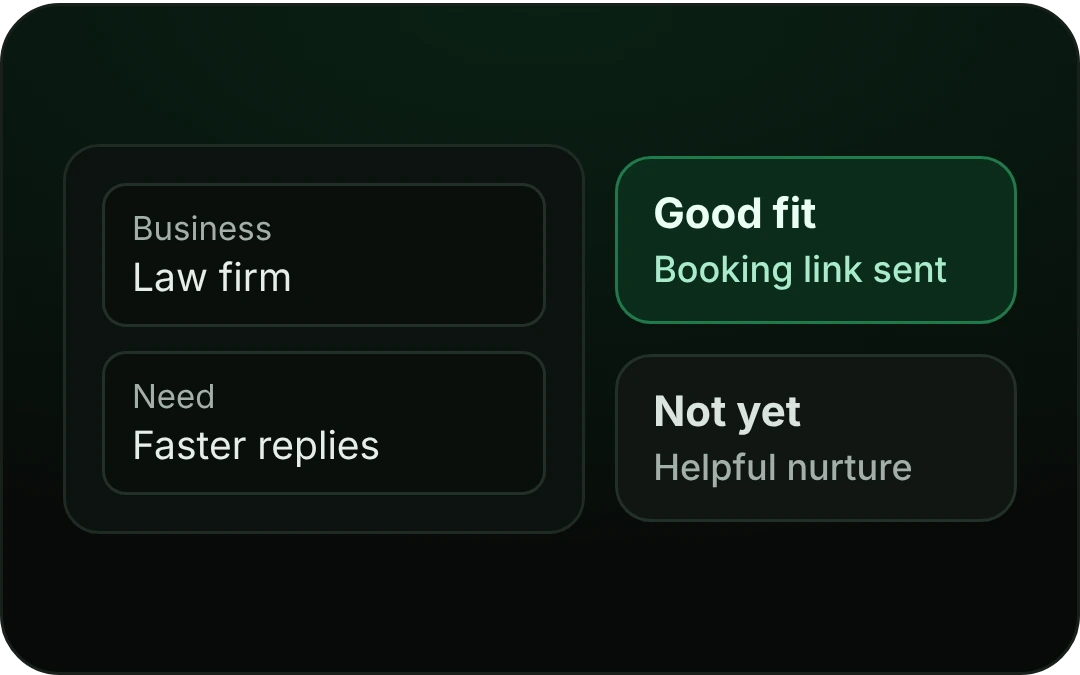
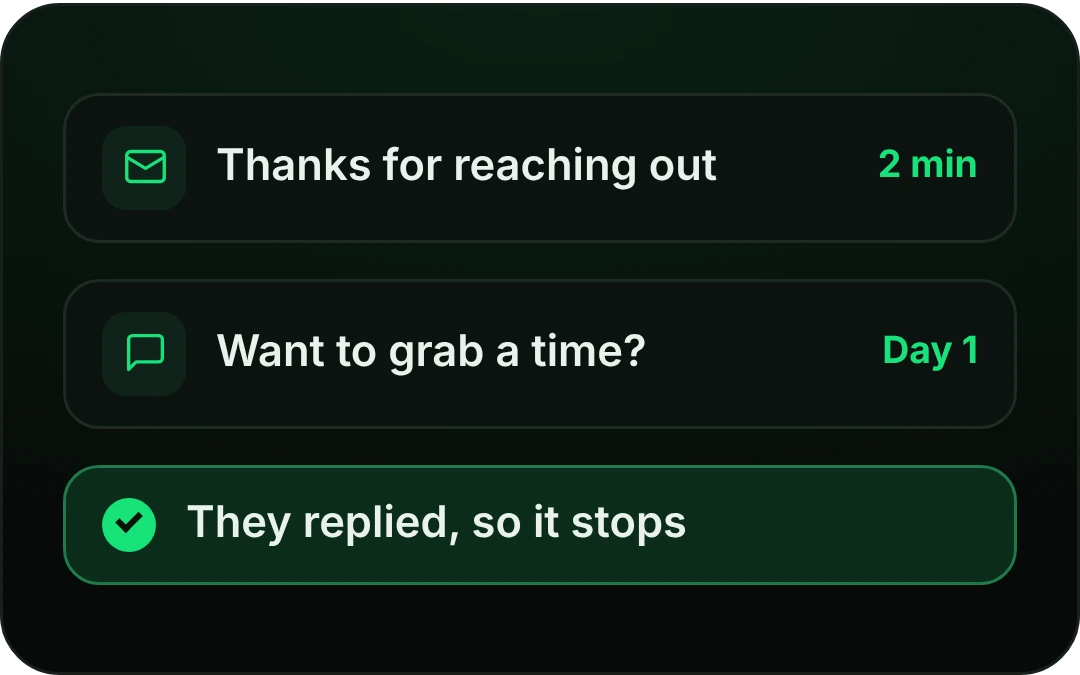
Consistent follow-up so prospects who aren’t ready yet, or missed their consult, don’t quietly hire someone else.
Common for: Practices with longer decision cycles
03
A “yes” turns into a signed engagement letter and a paid retainer without days of email back-and-forth.
Common for: Firms chasing signatures by email
04
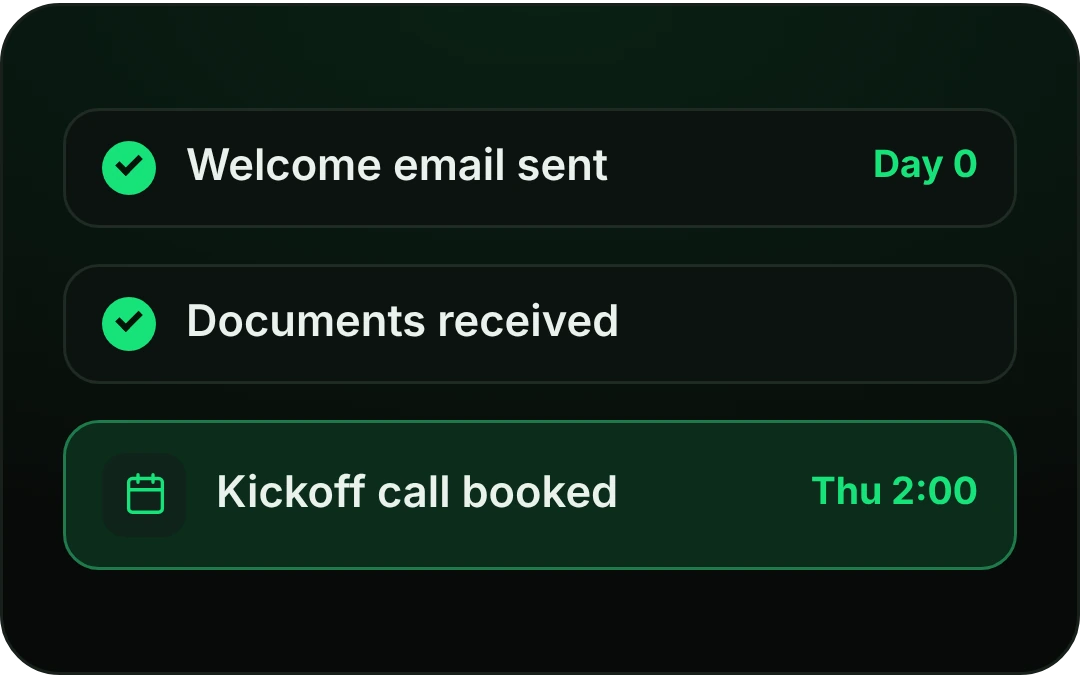
New clients get a consistent welcome, the right documents are collected, and the matter is set up without re-typing.
Common for: Firms opening matters every week
05
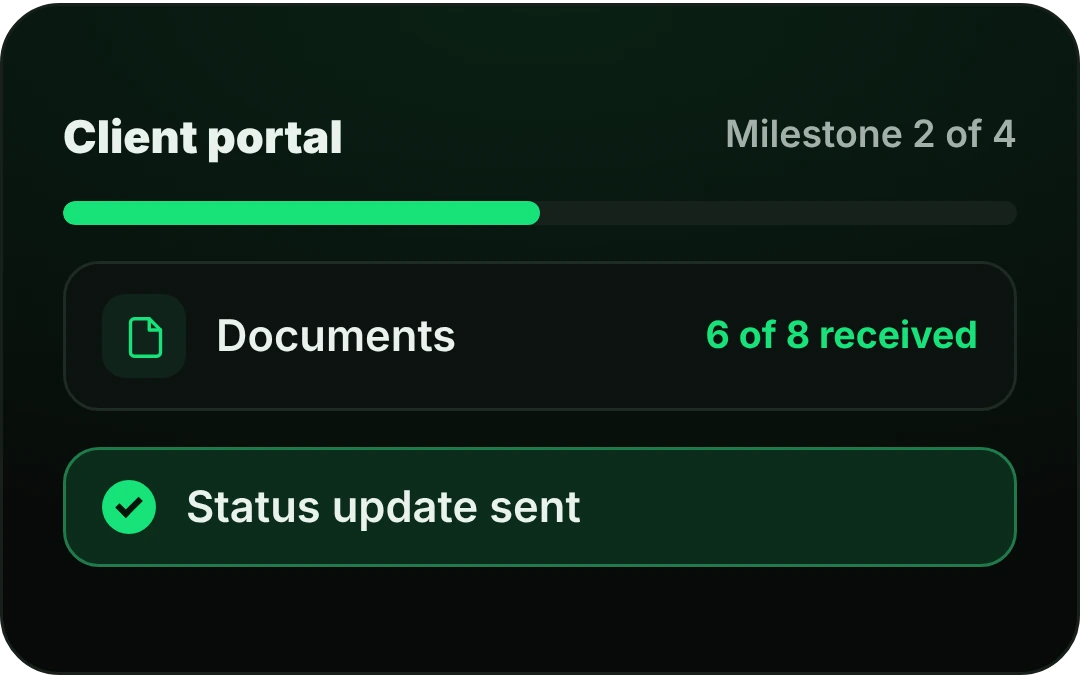
Clients are kept informed at key milestones automatically, so your team fields far fewer “any update?” calls.
Common for: Paralegals buried in status calls
06
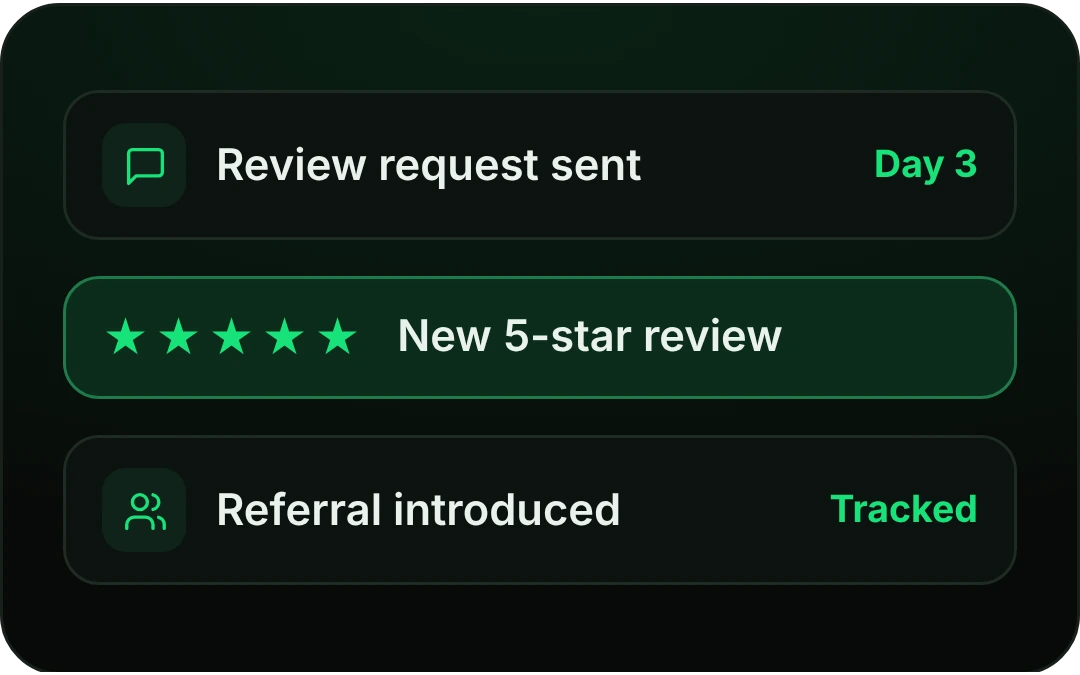
Ask for reviews at the right moment, track referral sources, and see which marketing actually produces signed cases.
Common for: Firms growing through referrals
Also common for firms: workflow & team automation, CRM & reporting and custom AI tools like intake assistants and first-draft summaries for attorney review.
Example build
An illustrative example: a typical intake-to-onboarding build for a small personal injury or family law firm. Every real build is scoped to the firm.
01
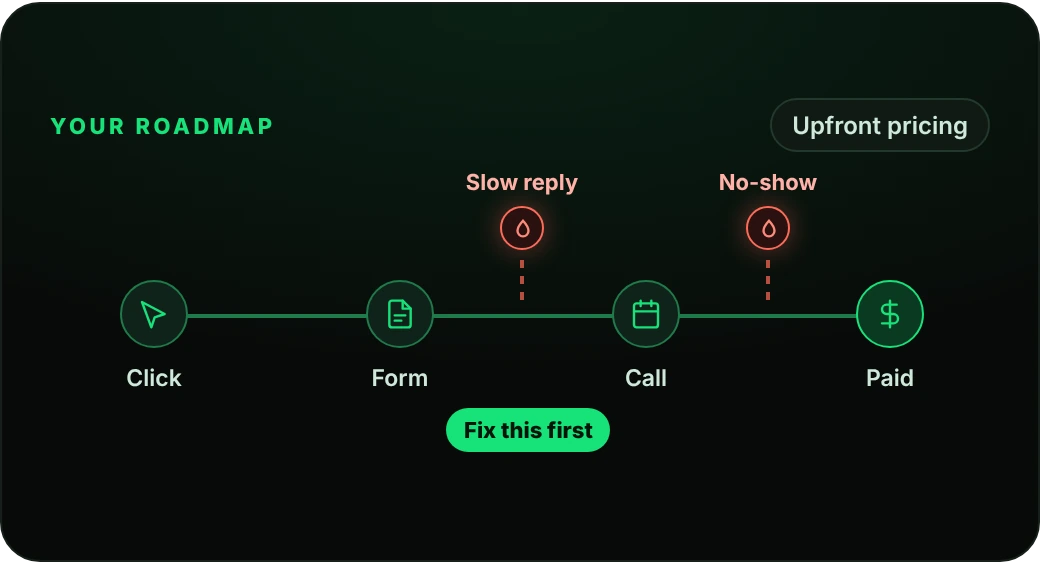
We map every path a potential client takes (calls, forms, referrals) and find where they drop off. Common finding: after-hours calls and consults that never get a second follow-up.
02
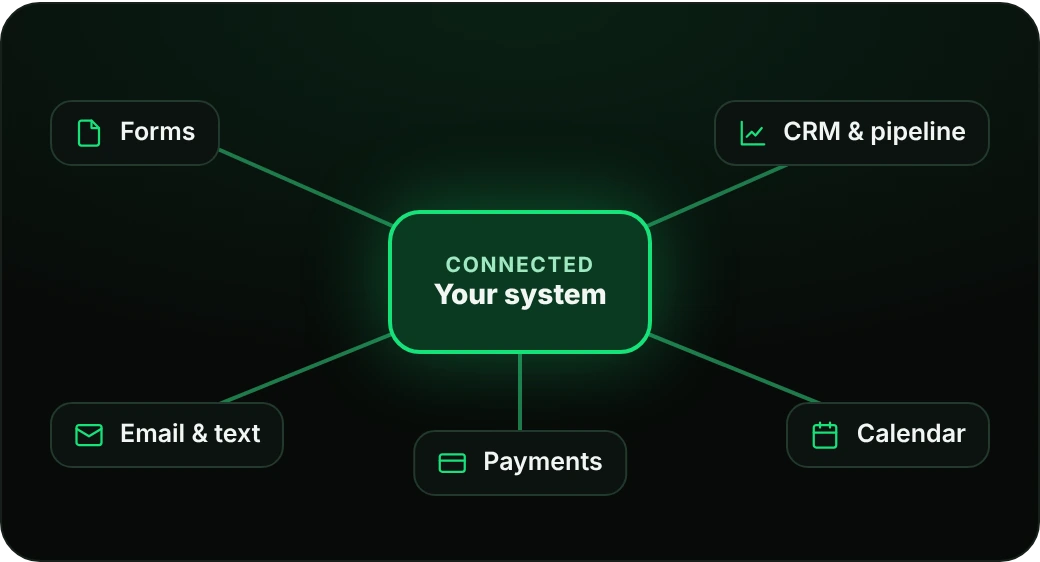
We connect the website, phones and calendar to one intake pipeline, add text-back and reminders, automate engagement letters and retainer payments, and push new matters into the firm’s case software.
03
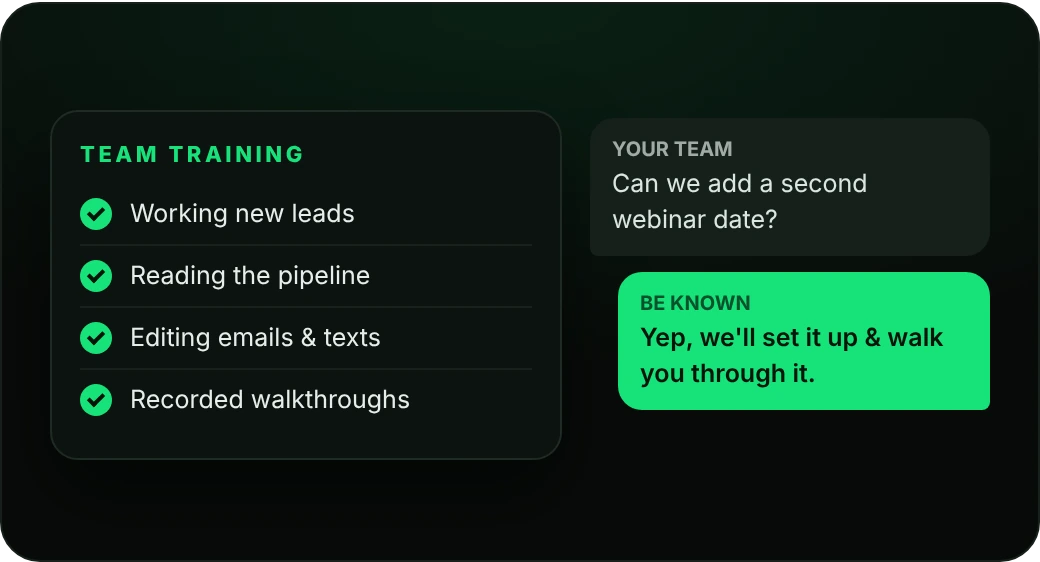
Staff get a short walkthrough and written SOPs. We watch the first few weeks of real intakes, fix edge cases, and add the next system, often case status updates.
Tools we build with
We build around the practice management, billing and email tools your firm already relies on.
ClioMyCaseLawmaticsPracticePantherSmokeballLawPayDocuSignMicrosoft 365Google WorkspaceGoHighLevelZapier & Make
Proof
Brad Blazar · Coaching & consulting
$7.03M
Revenue since 2020
Webinar, lead capture & follow-up systems
Michelle Cunningham · Sales training
$1.7M
In 18 months
Webinar & event systems
Laura Cowan · Lifestyle legal coaching
15-18 hrs
Recaptured every week
Onboarding, delivery & custom AI
Founder-led sales team
0
Sales calls the founder has to review
Custom AI tools & apps
FAQ
Anything else? Email mail@beknownonline.com or bring it to your free consultation.
Law firm automation covers most of the admin around the legal work: intake and screening, consult booking and reminders, follow-up with prospects, engagement letters and e-signatures, retainer payments, client onboarding and document collection, case status updates, review requests and referral tracking. The legal judgment stays with your attorneys.
No. It removes the repetitive parts of their day, re-typing intake details, sending reminders, answering status questions, so they can focus on clients and casework. Most firms use it to handle more matters with the team they already have.
Usually, yes. We build around the practice management, billing and email tools your firm already relies on, including Clio, MyCase, PracticePanther, Lawmatics, Smokeball, LawPay, Microsoft 365 and Google Workspace. If a tool is holding you back, we’ll tell you.

We build inside tools your firm already approves, limit what data moves between systems to what each step needs, and keep attorney review on anything that involves legal advice. Your firm stays in control of its accounts and data, and we’re happy to work within your firm’s confidentiality and ethics requirements.
Most law firm automation starts with intake. If potential clients are calling after hours, filling out forms that sit for a day, or booking consults that don’t show, that’s signed cases walking out the door. Your free consultation ends with a clear recommendation for what to build first.
Most law firm automation projects start at $1,500 for a single focused system, like intake and consult booking. Full build-outs across intake, engagement, onboarding and client updates typically run $25,000+, depending on the work needed. You get a fixed quote before any work starts.
Book a free 20-minute consultation. We’ll map where your business is losing leads, time & revenue, and show you the first system we’d build, no obligation.
On the call, you get: