Business automation & systems

Business automation for professional service firms that gives you your hours back

Intake, onboarding, document collection, billing, status updates & reporting: the repeat work that eats your team’s week. We map how your firm actually runs, then automate the steps that don’t need a person, inside the software you already use.

Rated 5.0 on Google120+ clients since 2018Projects from $1,500

A new client's first week

Runs on its own

Minute 1

Engagement signed, welcome goes out

Day 1

Intake form & documents requested

Day 2

Kickoff booked on the right calendar

Day 3

Reminders chase anything still missing

Weekly

Tasks assigned & client updates sent

Your team does the work only people can do. The handoffs, reminders & updates run on their own.

A few clients we've worked with

The short answer

Be Known builds business automation and systems for professional service firms: law firms, accounting & CPA firms, consultancies, agencies and coaching businesses. We connect your CRM, intake forms, practice or project management software, billing and email, so client intake, onboarding, document collection, status updates and reporting run on their own, with your team stepping in only where judgment matters.

Built around your current softwareDocumented & monitoredUpfront pricing

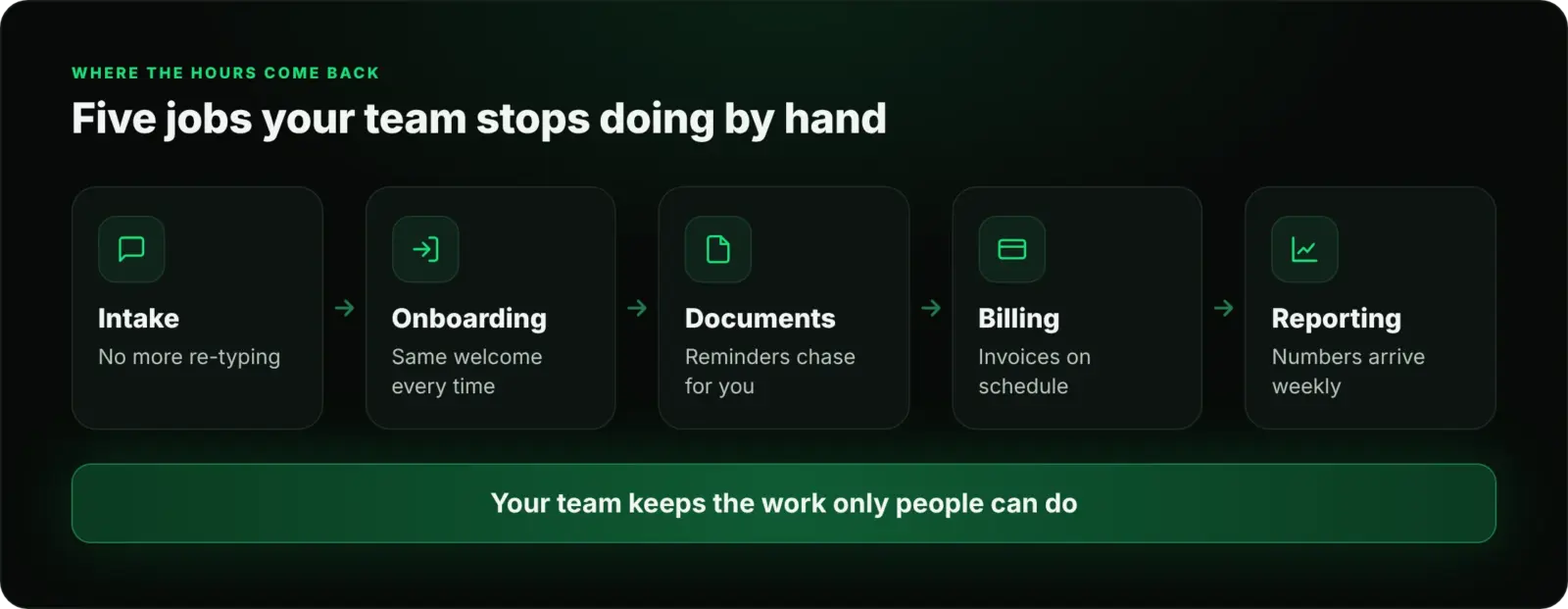
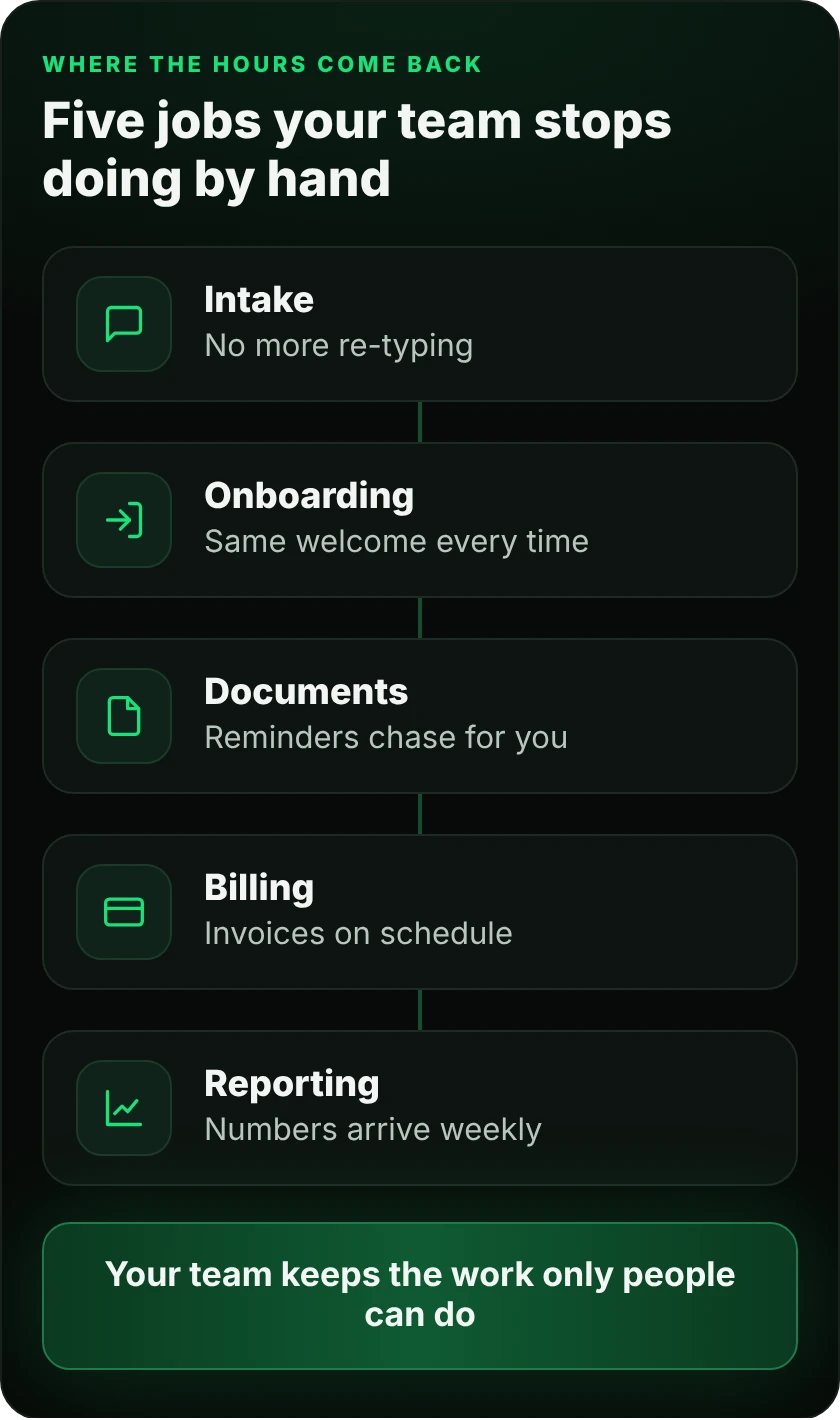
Five jobs automation takes off your team: intake, onboarding, documents, billing and reporting

What we automate

Business systems we build for professional firms

If the same steps happen every time a client signs, pays or sends a document, they can probably run on their own. These are the systems firms ask us for most.

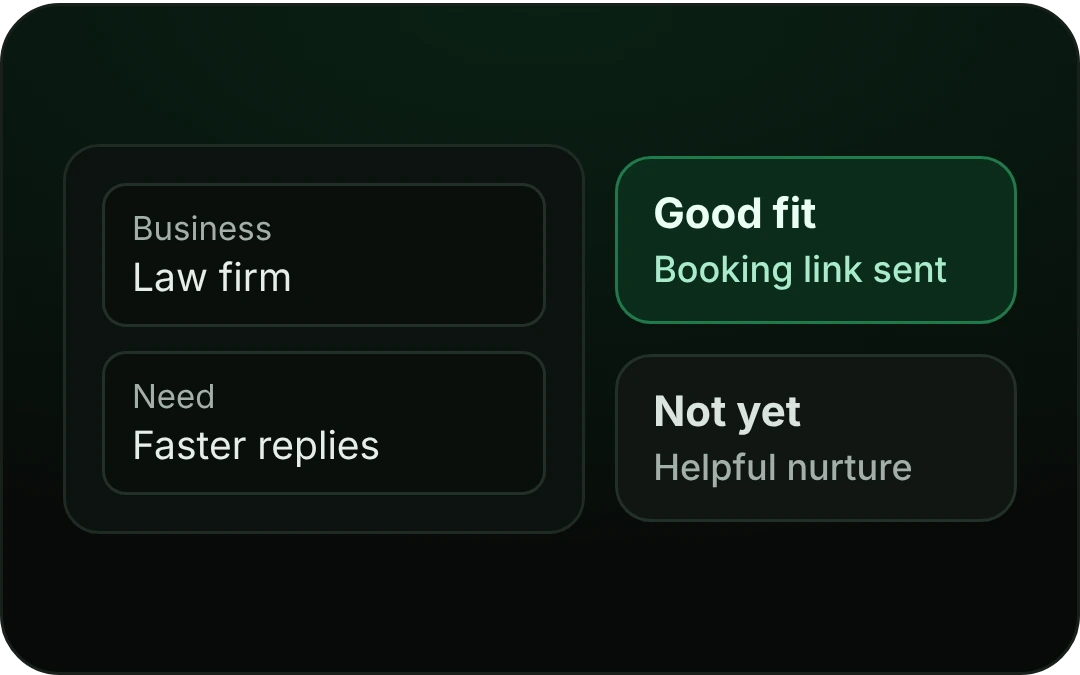
Example intake form routing good fits to booking and others to nurture

01

Client Intake & Qualification

Inquiries get answered fast, qualified with the right questions and routed to the right person, without someone watching the inbox.

  • Online intake forms
  • Fit & conflict questions
  • Routing by practice area or service
  • Consult booking

Common for: Firms answering inquiries by hand

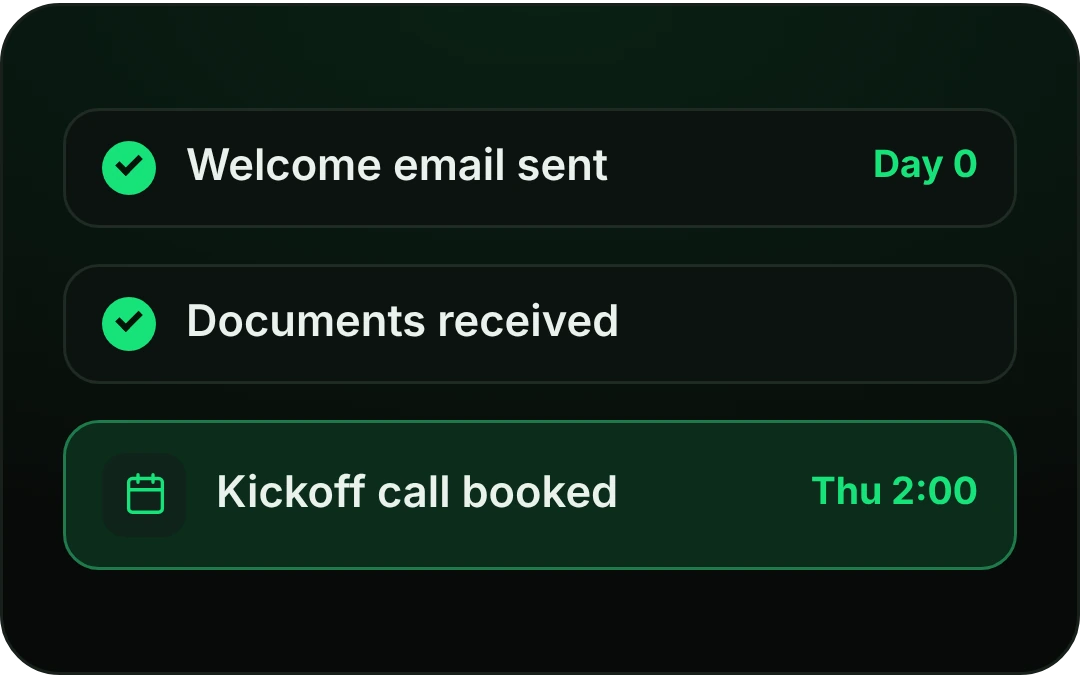
Example onboarding checklist: welcome sent, documents received, kickoff call booked

02

Client Onboarding

Once a client signs, the welcome, paperwork and kickoff happen in the same order every time.

  • Engagement letters & e-signature
  • Welcome sequences
  • Intake & document requests
  • Kickoff scheduling

Common for: Firms bringing on new clients every month

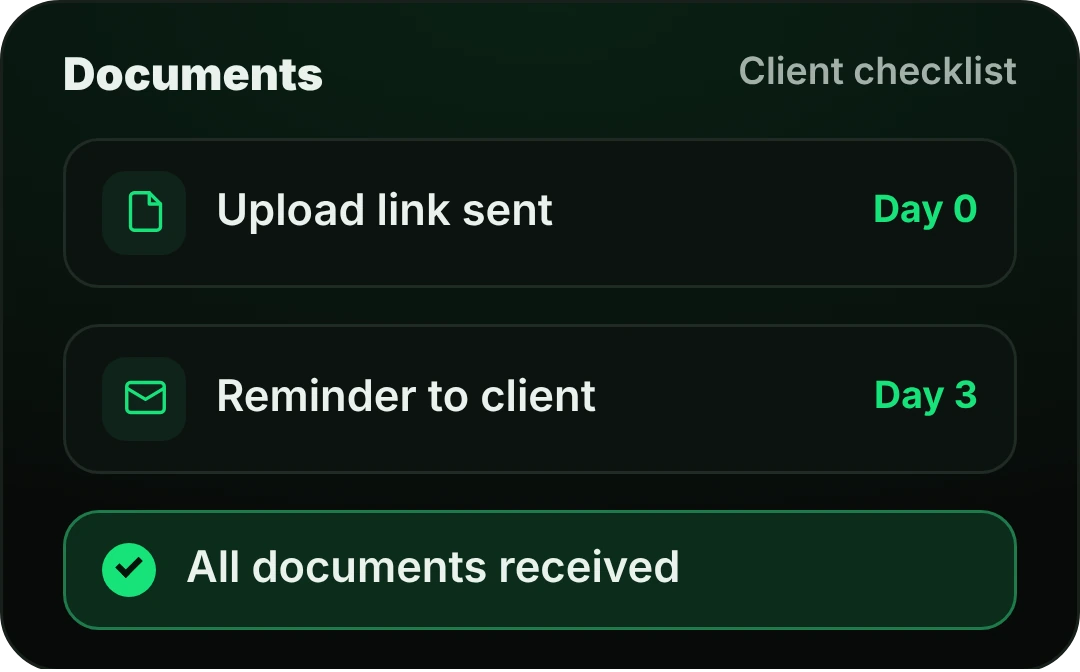
Example document checklist with upload link, client reminder and all documents received

03

Document Collection & Reminders

Clients get clear requests and polite reminders until everything is in, so your team stops chasing.

  • Secure upload links
  • Automatic follow-up reminders
  • Checklists for each service
  • Missing-item alerts

Common for: Accounting & legal teams in busy season

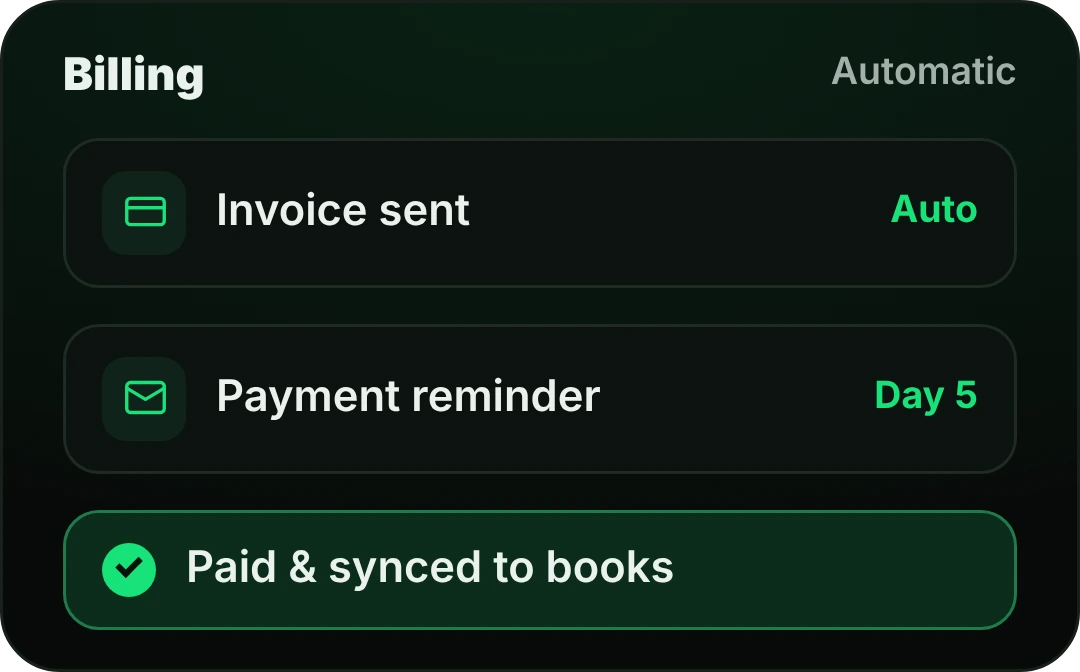
Example billing flow: invoice sent, payment reminder, paid and synced to books

04

Billing & Payments

Invoices, payment reminders and receipts go out on schedule and sync with your accounting software.

  • Recurring invoices & retainers
  • Payment links & reminders
  • QuickBooks & Stripe sync
  • Failed-payment follow-up

Common for: Firms tired of chasing payments

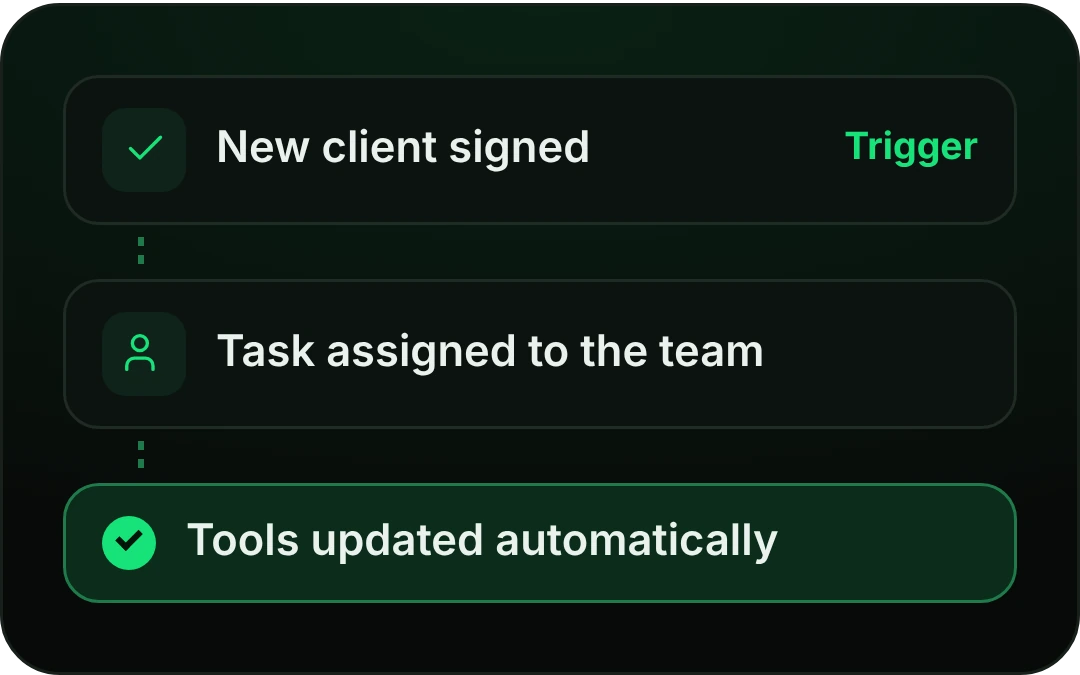
Example workflow: new client signed, task assigned to the team, tools updated automatically

05

Internal Workflows & Integrations

Your practice management, project, CRM and email tools stay in sync, so data moves on its own and nobody re-types it.

  • Practice & project management sync
  • Task creation & assignment
  • Team notifications
  • Duplicate & data-cleanup rules

Common for: Anyone re-typing the same data twice

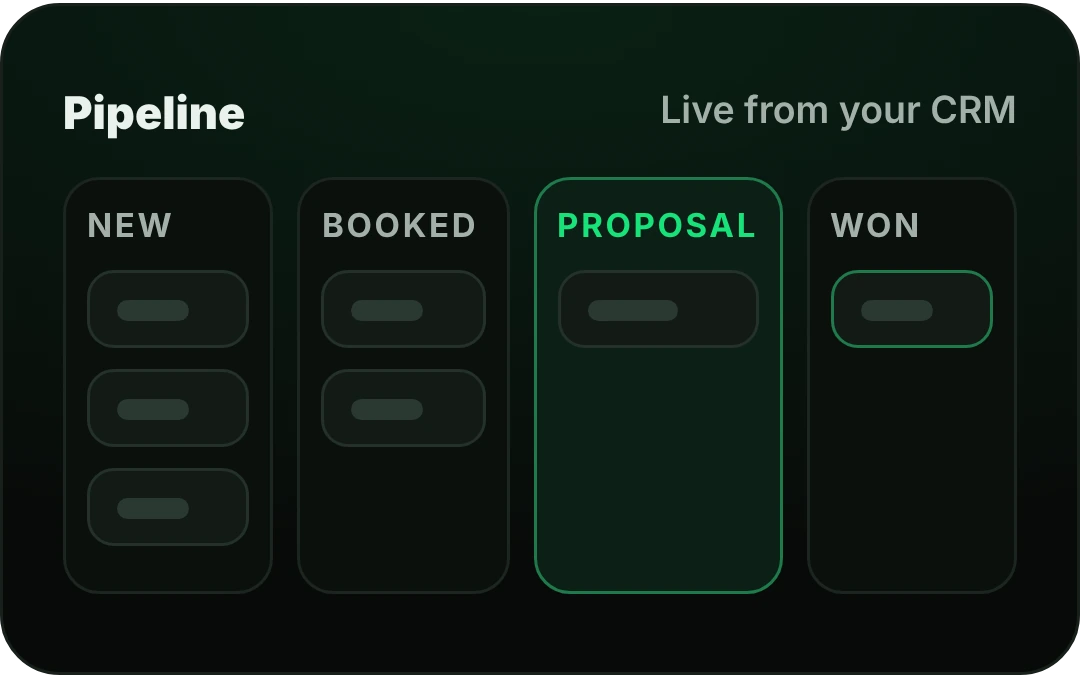
Example CRM pipeline with new, booked, proposal and won stages

06

Reporting & Client Updates

Owners get the numbers weekly and clients get status updates, without anyone writing them by hand.

  • Pipeline & revenue dashboards
  • Capacity & workload views
  • Automated client status updates
  • Scheduled owner reports

Common for: Owners who want the numbers weekly

Examples by industry

What it looks like in your firm

Illustrative examples of the kinds of systems we build. Every real build is scoped to the business and its tools.

Law firm

Consult to open matter

  • A consult is booked online
  • Intake answers sync to your case software
  • The engagement letter goes out for e-signature
  • Once signed & paid, the matter opens & tasks assign

Accounting firm

Signed engagement to assigned return

  • The engagement letter is signed
  • Organizers & document requests go out
  • Reminders run until everything is in
  • The return is created & assigned in your practice software

Agency or consultancy

Won deal to kickoff

  • A deal is marked won in the CRM
  • The contract & first invoice send
  • The project, tasks & client channel are created
  • Kickoff books itself

Tools we build with

Your software, connected

We build on the software your firm already runs wherever it makes sense, and only recommend a change when a tool is holding you back.

ZapierMaken8nGoHighLevelHubSpotPower AutomateAirtableGoogle WorkspaceMicrosoft 365SlackQuickBooksClioKarbonClickUp

Proof

Results from the systems we build

Brad Blazar · Coaching & consulting

$7.03M

Revenue since 2020

Webinar, lead capture & follow-up systems

Michelle Cunningham · Sales training

$1.7M

In 18 months

Webinar & event systems

Laura Cowan · Lifestyle legal coaching

15-18 hrs

Recaptured every week

Onboarding, delivery & custom AI

Founder-led sales team

0

Sales calls the founder has to review

Custom AI tools & apps

How it works

Diagnose. Install. Support.

We don’t sell a template or a software license. We look at how your business actually runs, how clients find you and where your team loses hours, then build the few systems that fix the biggest leaks first.

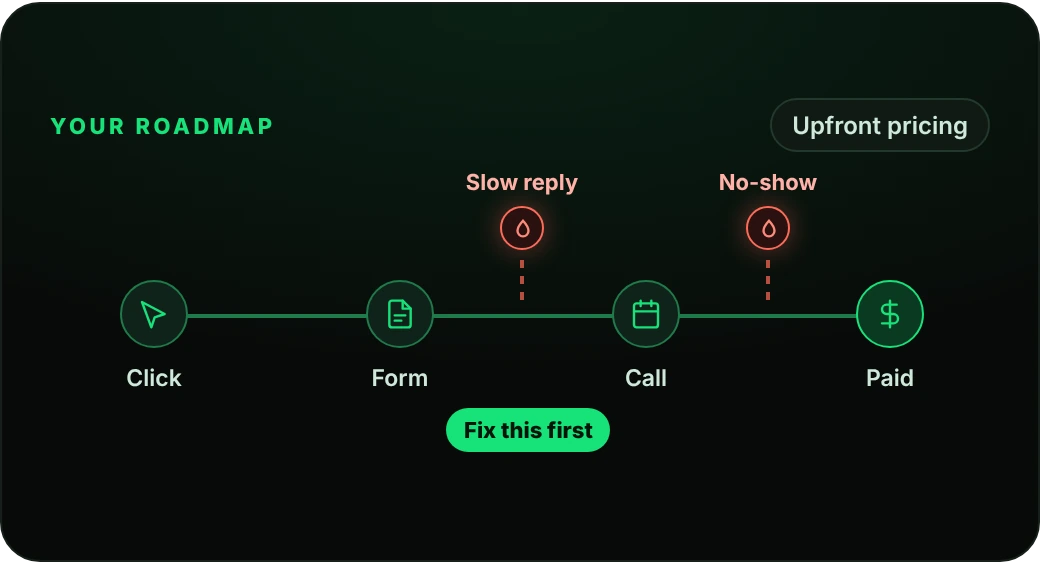
Example roadmap with two leaks flagged and a fix-this-first marker

01

We find the leaks

A free consultation and systems review. We map where leads, time and revenue slip through, then rank what to build first by impact, with upfront pricing.

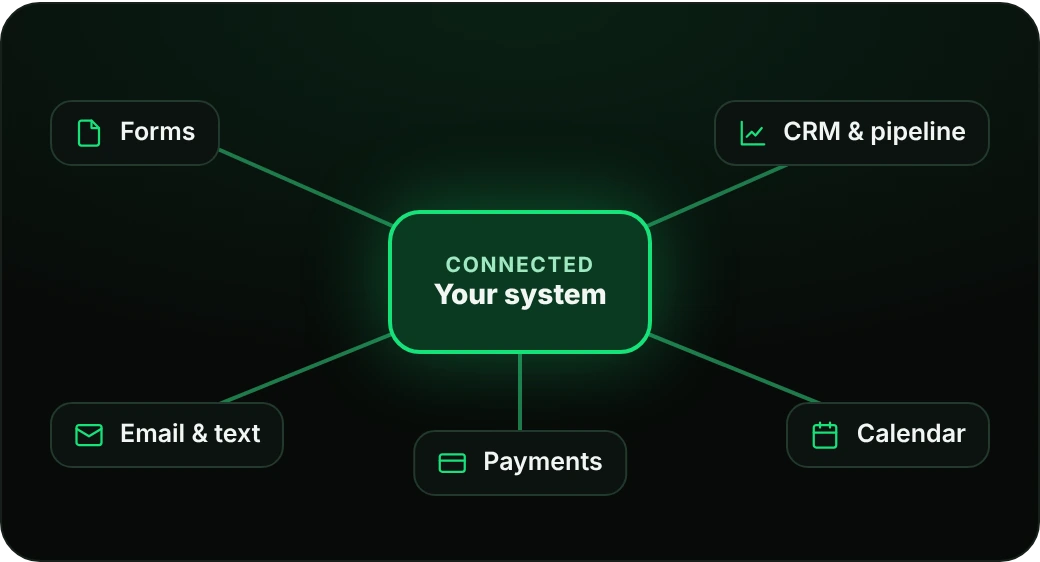
Forms, CRM, email and text, calendar and payments connected in one system

02

We install the system

We design, build and connect it inside the tools you already use (or better ones where it matters), tested with real data before anything goes live.

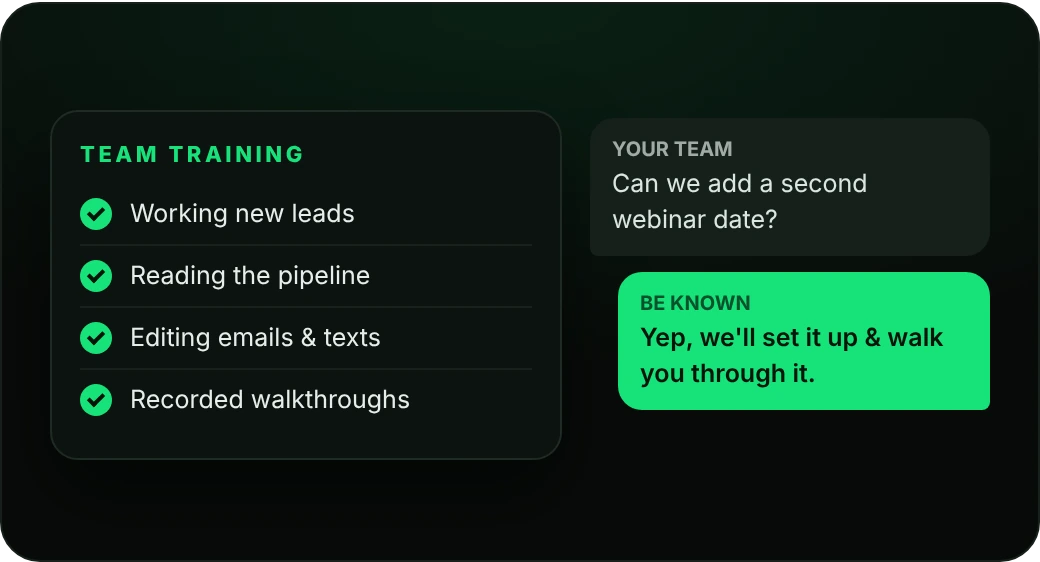
Example team training checklist next to a support chat

03

We train & support

Your team gets walkthroughs and documentation so the system actually gets used. Then we stay on to support and improve it as you grow.

FAQ

Questions about business automation for firms

Anything else? Email mail@beknownonline.com or bring it to your free consultation.

It’s setting up your software so the repeat steps in your firm, like intake, onboarding, document requests, billing reminders and status updates, happen on their own. Your team still does the professional work. The automation handles the handoffs around it.

Usually whatever eats the most hours and repeats the same way every time: client intake and onboarding for most firms, document collection for accounting firms in busy season, and status updates for teams fielding “where are we?” calls. We rank them by impact on your free consultation.

Most likely. We work with tools like Clio, Karbon, QuickBooks, HubSpot, GoHighLevel and Microsoft 365, plus anything with an API or webhooks. If something can’t be connected, we’ll tell you up front and suggest the cleanest alternative.

Every workflow includes error handling and alerts, so problems get caught instead of failing silently. We document each workflow, and ongoing support covers monitoring and fixes when a connected tool changes.

Most projects start at $1,500 for a focused workflow, like onboarding or intake. Firm-wide builds across several systems typically run $25,000+, depending on the work needed. You get upfront pricing before any work starts.

Not sure what to automate first?

Book a free 20-minute consultation. We’ll map where your firm loses hours to repeat work and show you the first system we’d build, no obligation.

On the call, you get:

  • A look at your current marketing, sales & operations setup

  • The highest-impact fix, named plainly
  • Timeline, expected results & upfront pricing
Book a free consultation →