Follow-up & sales systems

Follow-up & sales automation that turns more leads into booked calls

Most good leads go cold because nobody follows up fast enough. We build the follow-up, booking and handoff systems that respond in minutes, keep conversations going and move every lead to a call, a decision and a paying client, inside the tools you already use.

Rated 5.0 on Google120+ clients since 2018Projects from $1,500

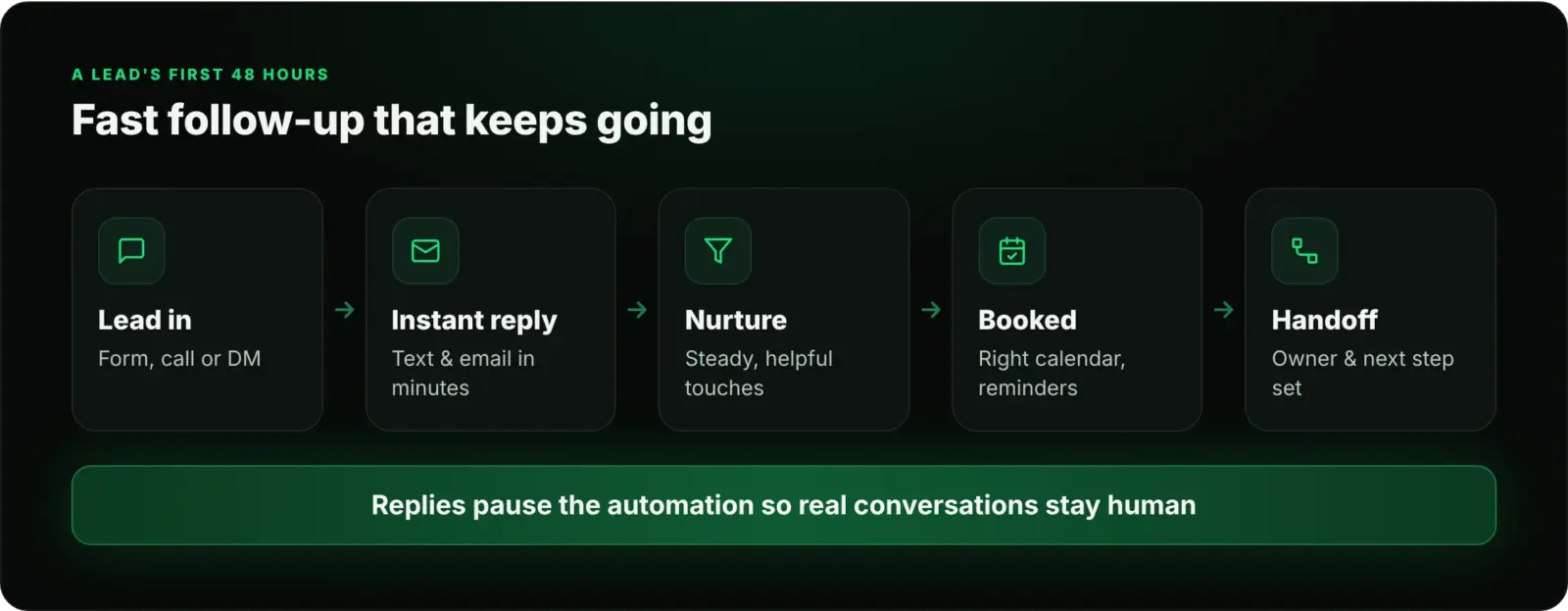
A new lead's first 48 hours

Hands-off

0 min

Form, call or DM comes in

2 min

Text & email reply, in your voice

Same day

Booked onto the right calendar

24 hrs before

Reminders that cut no-shows

Missed it?

Rebooked automatically

No one has to remember. Replies pause the automation so real conversations stay human.

A few clients we've worked with

The short answer

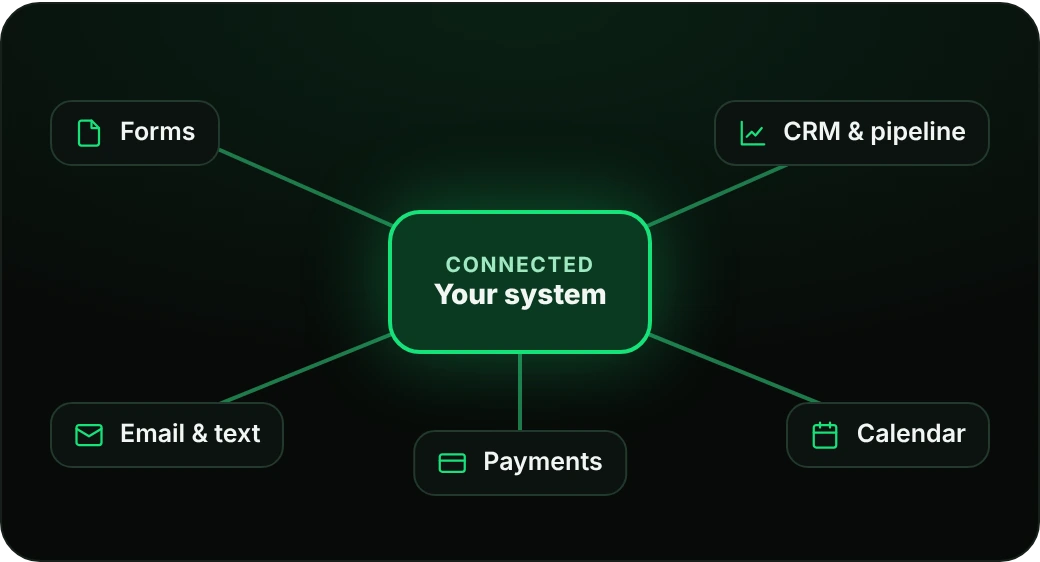
Be Known builds follow-up and sales automation for service businesses. We connect your forms, CRM, calendar, email, text and payment tools (GoHighLevel, HubSpot, Zapier and more) so every new lead gets a fast response, a clear next step and steady follow-up until they book or say no. Then the handoff from sale to delivery runs on its own too.

Speed-to-lead in minutesWorks with your existing toolsDocumented & monitored

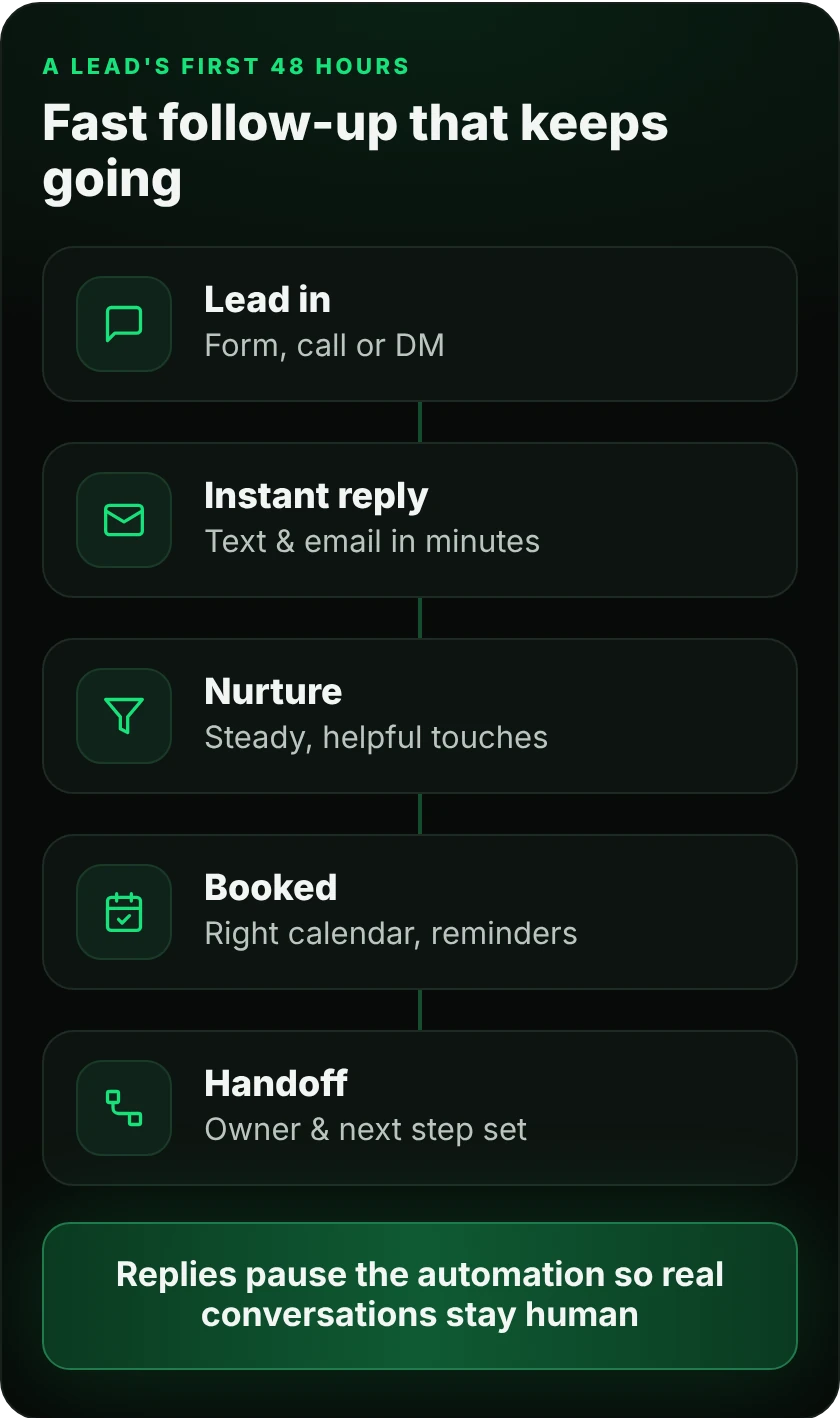
A lead's first 48 hours: lead in, instant reply, nurture, booked and handoff

What we build

Follow-up & sales systems we build

If a lead has to wait on someone to remember them, it probably should be automated. These are the systems service businesses ask us for most.

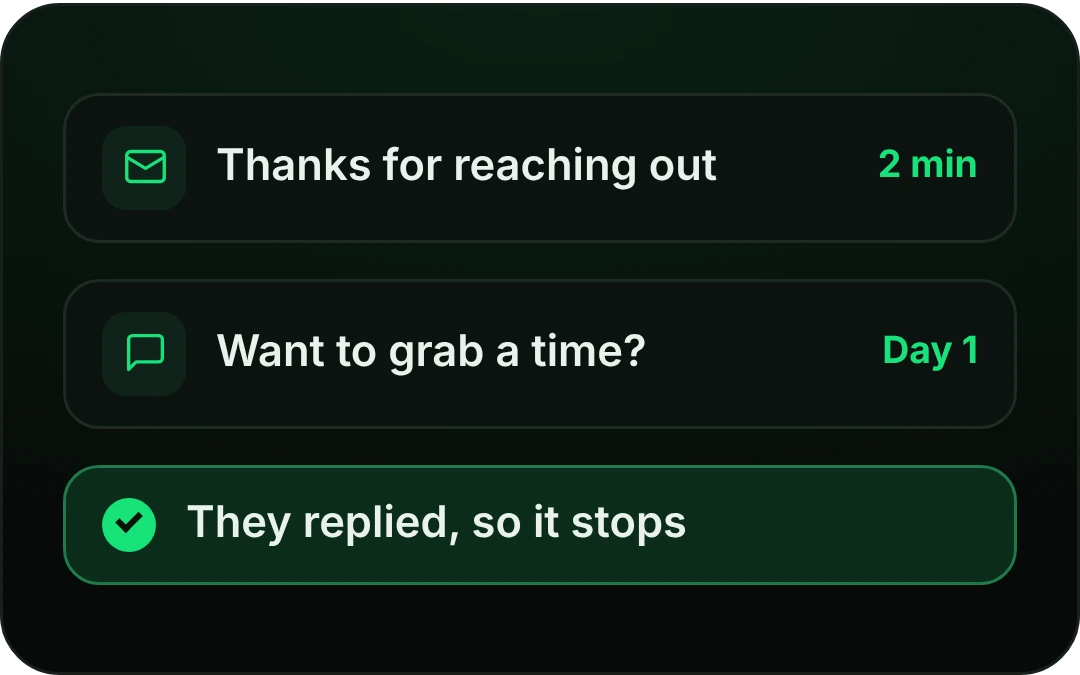
Example follow-up sequence that stops when the lead replies

01

Instant Lead Follow-Up

Every new lead gets a text and email within minutes, plus a sequence that keeps going until they book or say no.

  • Speed-to-lead texts & emails
  • Multi-step nurture sequences
  • Reply detection that pauses automation
  • Re-engagement for old leads

Common for: Businesses with leads that go quiet

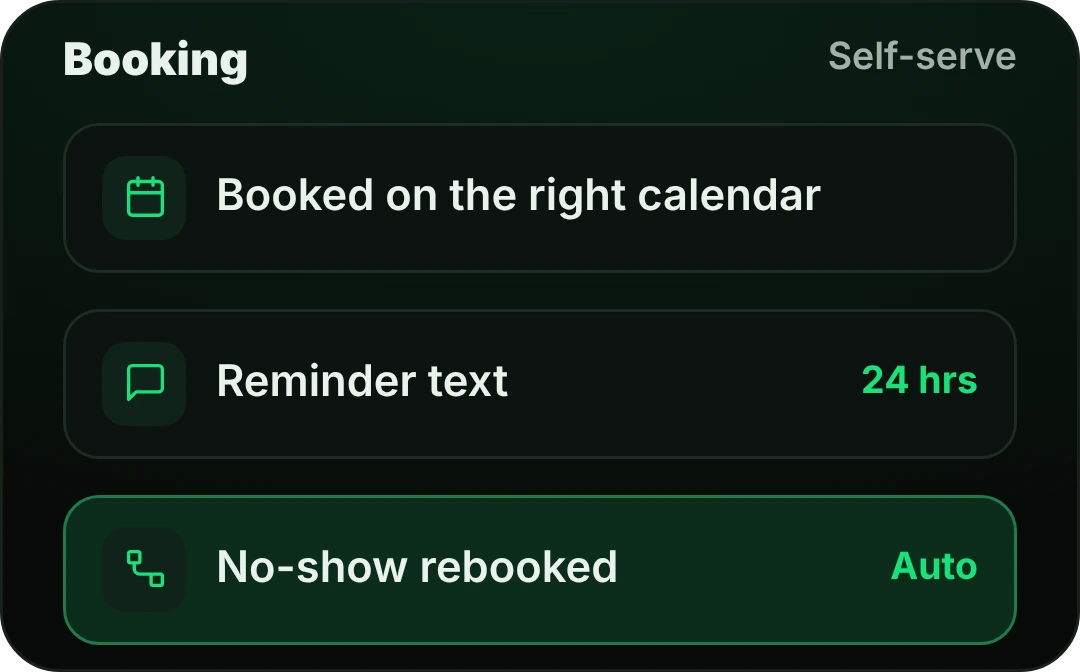
Example self-booking on the right calendar, reminder text and automatic no-show rebooking

02

Booking, Reminders & No-Shows

Leads book themselves onto the right calendar, get reminded and get rebooked automatically when they miss.

  • Qualified self-booking
  • Text & email reminders
  • No-show & reschedule flows
  • Pre-call prep that warms leads up

Common for: Anyone selling on a call

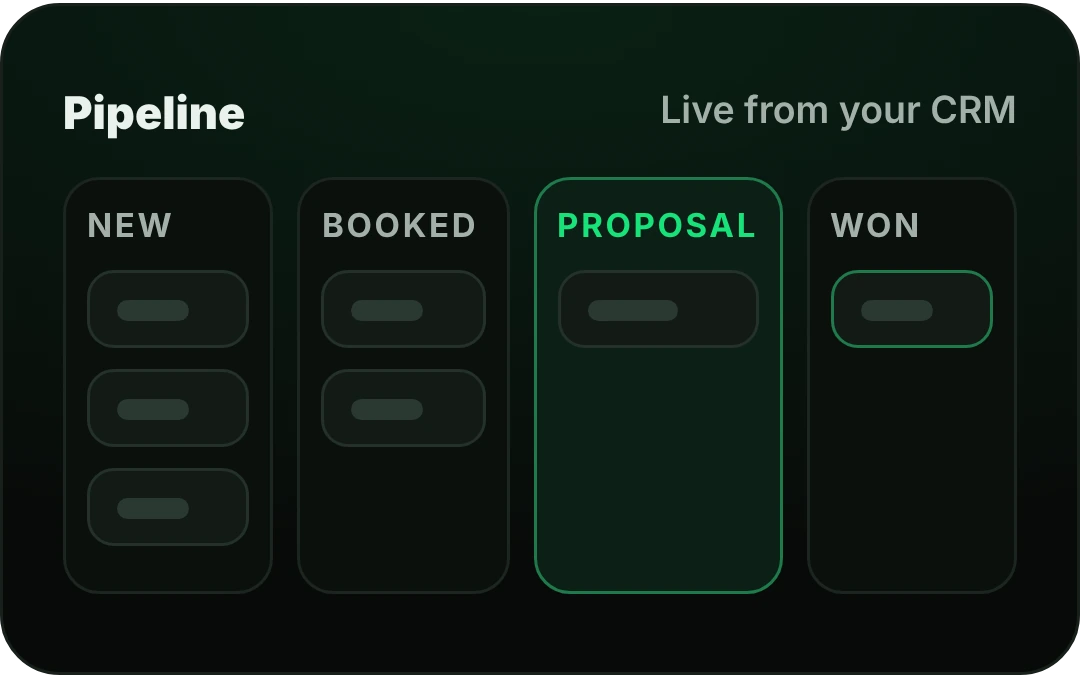
Example CRM pipeline with new, booked, proposal and won stages

03

Pipeline & Sales Handoffs

Every lead has a stage, an owner and a next step, so nothing sits in an inbox and your team knows who to call.

  • Pipeline stages that update themselves
  • Lead routing by type or owner
  • Proposals & e-signature
  • Stalled-deal alerts

Common for: Teams with more than one person selling

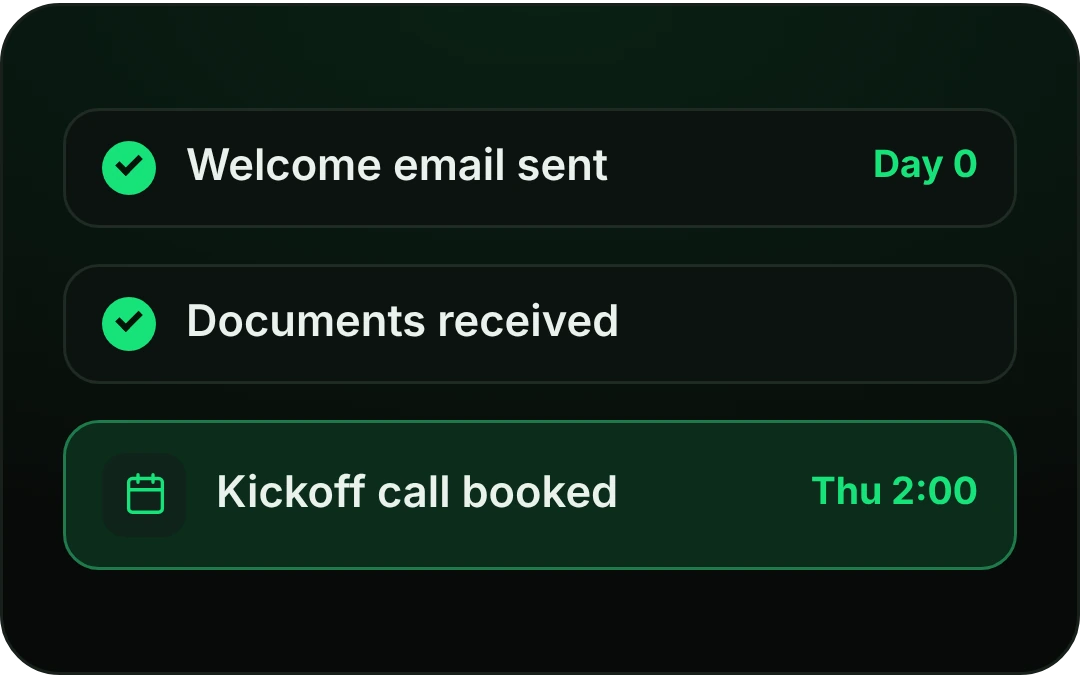
Example onboarding checklist: welcome sent, documents received, kickoff call booked

04

Sale-to-Delivery Onboarding

Once someone pays, onboarding starts on its own, so new clients feel taken care of from day one.

  • Payment & contract triggers
  • Welcome sequences
  • Intake forms & kickoff booking
  • Team notifications

Common for: Businesses enrolling clients every month

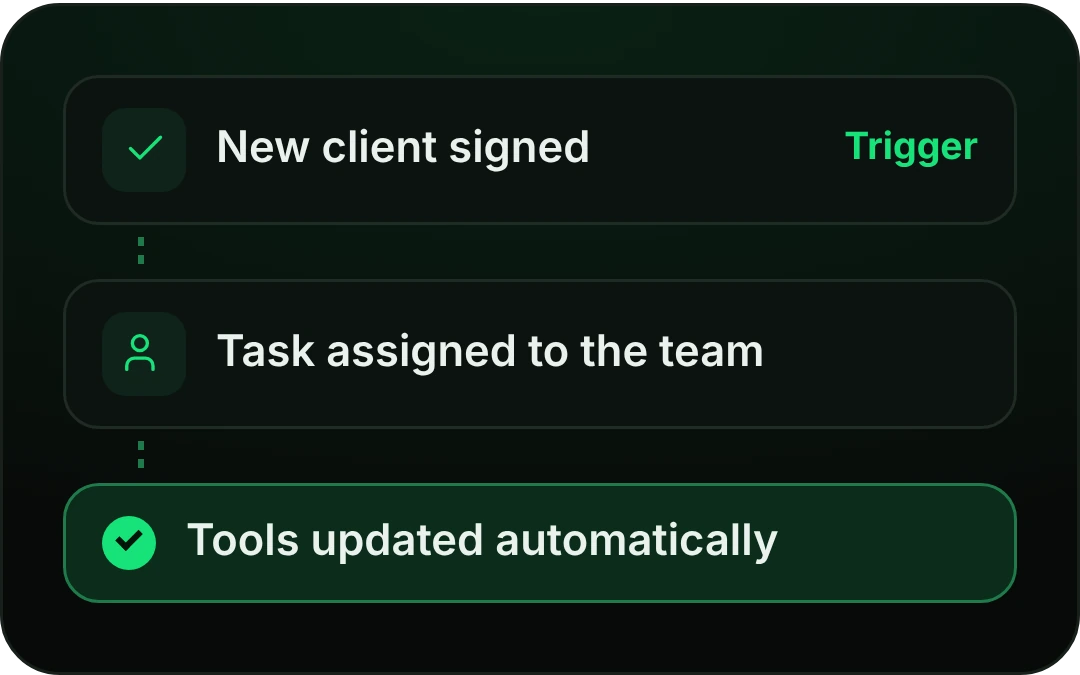
Example workflow: new client signed, task assigned to the team, tools updated automatically

05

Tool-to-Tool Integrations

Your forms, CRM, calendar, billing and delivery tools stay in sync, so data moves on its own and nobody copies and pastes.

  • CRM & calendar sync
  • Form data into the right systems
  • Billing & accounting connections
  • Duplicate & data-cleanup rules

Common for: Anyone re-typing the same data twice

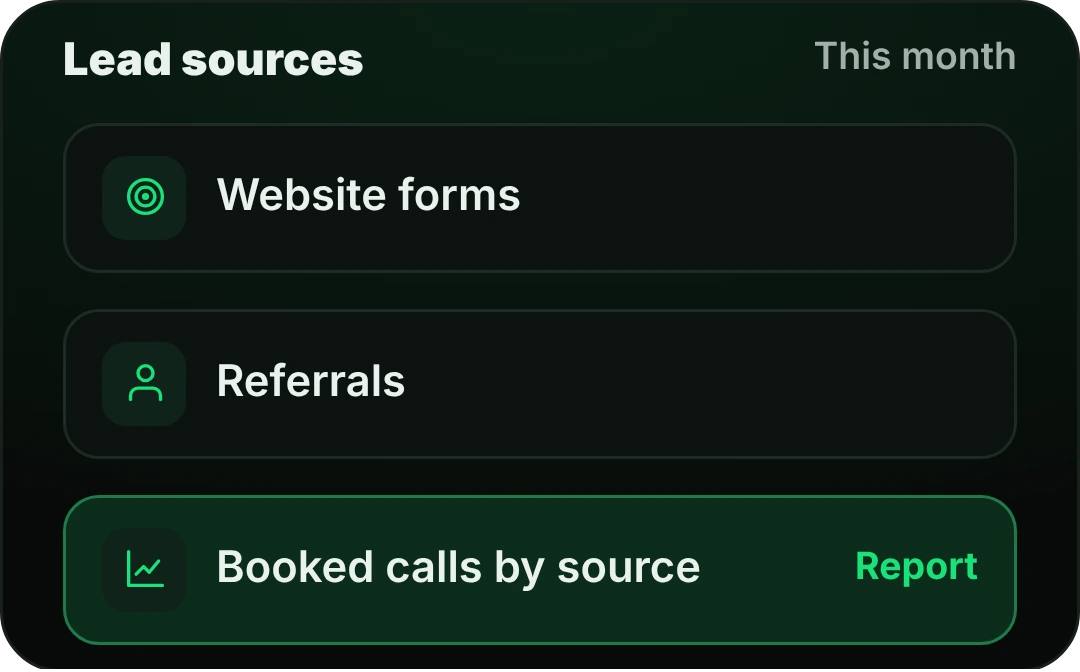
Example lead source report showing booked calls by source

06

Lead Source & Sales Reporting

See where leads come from, how fast you respond and how many turn into paying clients, without building reports by hand.

  • Lead source tracking
  • Speed-to-lead & booking rates
  • Pipeline & revenue data
  • Scheduled owner reports

Common for: Owners who want the numbers weekly

Examples by industry

What it looks like in practice

Illustrative examples of the kinds of systems we build. Every real build is scoped to the business and its tools.

Law firm

Consult to open matter

  • A consult is booked
  • Intake answers flow into the case software
  • An engagement letter goes out for e-signature
  • Once signed & paid, the matter opens & the team gets tasks

Accounting firm

Engagement to assigned return

  • A client signs their engagement letter
  • Onboarding & organizers go out
  • Document reminders run until everything is in
  • The return is created & assigned to a preparer

Agency or consultancy

Won deal to kickoff

  • A deal is marked won
  • The contract & first invoice are sent
  • Project, tasks & client Slack channel are created
  • Kickoff is scheduled automatically

Tools we build with

Your tools, connected

We build on the tools you already use wherever it makes sense, and only recommend a change when a tool is holding you back.

ZapierMaken8nGoHighLevelHubSpotPower AutomateAirtableGoogle WorkspaceMicrosoft 365SlackQuickBooksClioKarbonClickUp

Proof

Results from the systems we build

Brad Blazar · Coaching & consulting

$7.03M

Revenue since 2020

Webinar, lead capture & follow-up systems

Michelle Cunningham · Sales training

$1.7M

In 18 months

Webinar & event systems

Laura Cowan · Lifestyle legal coaching

15-18 hrs

Recaptured every week

Onboarding, delivery & custom AI

Founder-led sales team

0

Sales calls the founder has to review

Custom AI tools & apps

How it works

Diagnose. Install. Support.

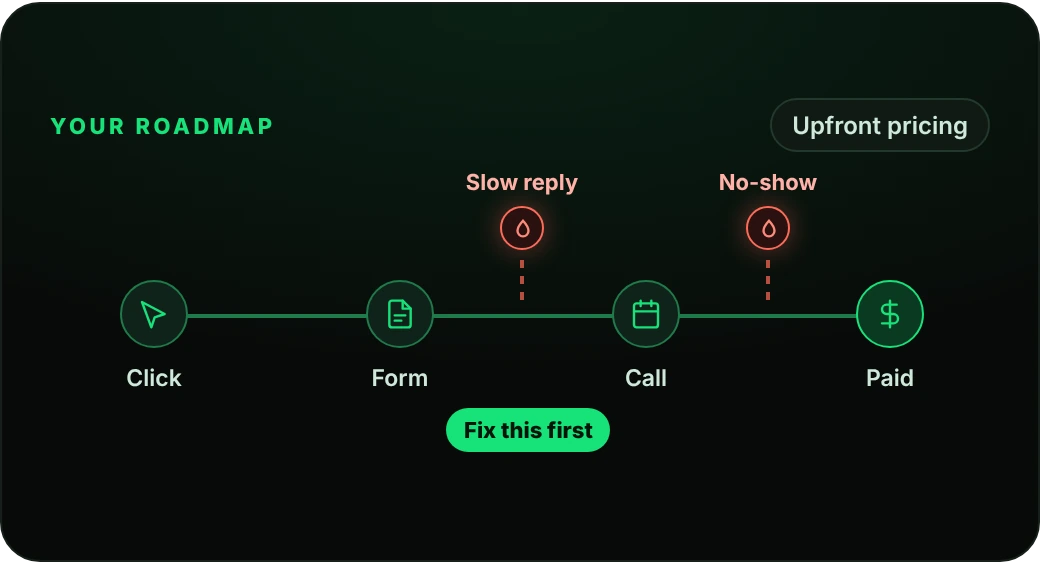
We don’t sell a template or a software license. We look at how your business actually runs, how clients find you and where your team loses hours, then build the few systems that fix the biggest leaks first.

Example roadmap with two leaks flagged and a fix-this-first marker

01

We find the leaks

A free consultation and systems review. We map where leads, time and revenue slip through, then rank what to build first by impact, with upfront pricing.

Forms, CRM, email and text, calendar and payments connected in one system

02

We install the system

We design, build and connect it inside the tools you already use (or better ones where it matters), tested with real data before anything goes live.

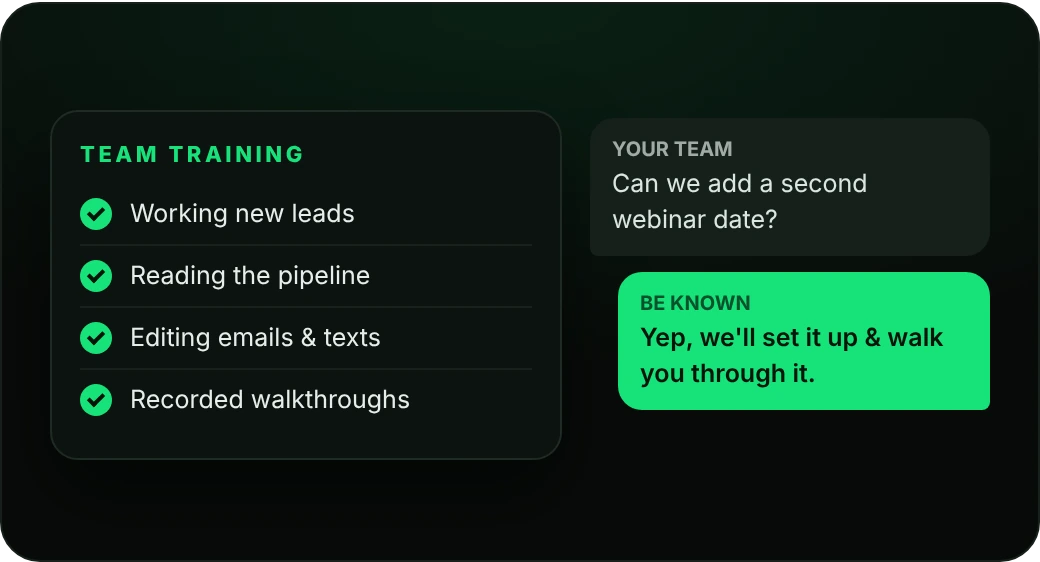
Example team training checklist next to a support chat

03

We train & support

Your team gets walkthroughs and documentation so the system actually gets used. Then we stay on to support and improve it as you grow.

FAQ

Questions about follow-up & sales automation

Anything else? Email mail@beknownonline.com or bring it to your free consultation.

It is setting up your tools so every lead gets a fast response and steady follow-up without someone remembering to do it. Texts, emails, booking links, reminders, pipeline updates and handoffs happen on their own, so fewer good leads go cold and more turn into paying clients.


It depends on how complex your workflows are, how much volume you run and your budget. Zapier is the easiest to maintain, Make handles complex logic at a lower cost, and n8n is great for high volume or self-hosting. We’ll recommend the right fit, and we compare the first two in our Zapier vs. Make guide.

Every workflow we build includes error handling and alerts, so issues get caught instead of silently failing. We document how each workflow works, and ongoing support plans include monitoring and fixes when a connected tool changes.

Often, yes. Many tools have APIs, webhooks or email-based workarounds we can use. If something truly can’t be connected, we’ll tell you up front and suggest the cleanest alternative.

Most projects start at $1,500 for a focused set of follow-up and booking systems. Larger builds across several systems typically run $25,000+, depending on the work needed. You get a fixed quote before any work starts.

Not sure which system to start with?

Book a free 20-minute consultation. We’ll map where your business is losing leads, time & revenue, and show you the first system we’d build, no obligation.

On the call, you get:

  • A look at your current marketing, sales & operations setup
  • The highest-impact fix, named plainly
  • Timeline, expected results & upfront pricing
Book a free consultation →